 GeoCalendar

The estimate is the visit a customer books
A roofer, a painter or a remodeler does not take bookings for the work. A job is priced, agreed, and then scheduled by the contractor around crews, materials and weather. The visit a homeowner can book is the one before all that: someone comes to the house, measures, looks at what is there and names a price.
That visit is usually free, and not every one turns into a job. So each job you win has paid for the driving to several estimates, including the ones that went nowhere. An estimator who runs four of them a day across a metro area can spend more of the day driving than measuring.
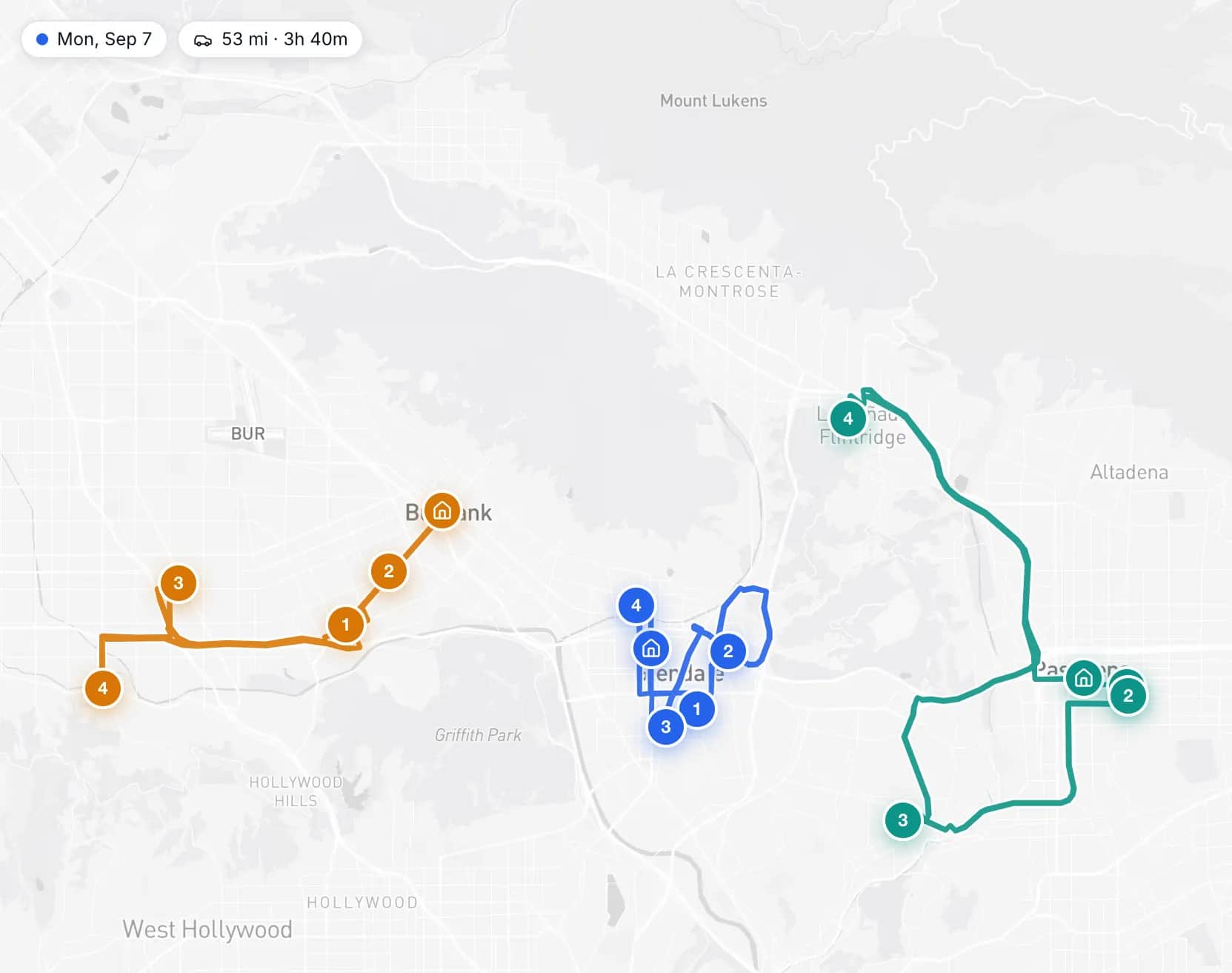
What a badly placed estimate costs
Say a homeowner wants a quote for an exterior repaint this week, and your estimator has two openings. The IRS business mileage rate is 76 cents a mile. The drive times are illustrations.
| Opening | Extra driving | Extra miles | Vehicle cost |
|---|---|---|---|
| Wednesday at 11:00, between estimates on the other side of the metro | 55 min | 30 mi | $22.80 |
| Friday at 2:00, after an estimate in the next subdivision | 9 min | 4 mi | $3.04 |
Forty-six minutes is most of another estimate, and that choice is made, by you or by chance, every time a homeowner books.
What happens when a homeowner books
The homeowner enters their address before they see any times. GeoCalendar reads the estimates already on the calendar and offers first the times that put this one beside another. An address outside your service area is turned away at that step, before anyone drives to it. The homeowner still chooses the time, and every open time is available under more options.
With more than one estimator
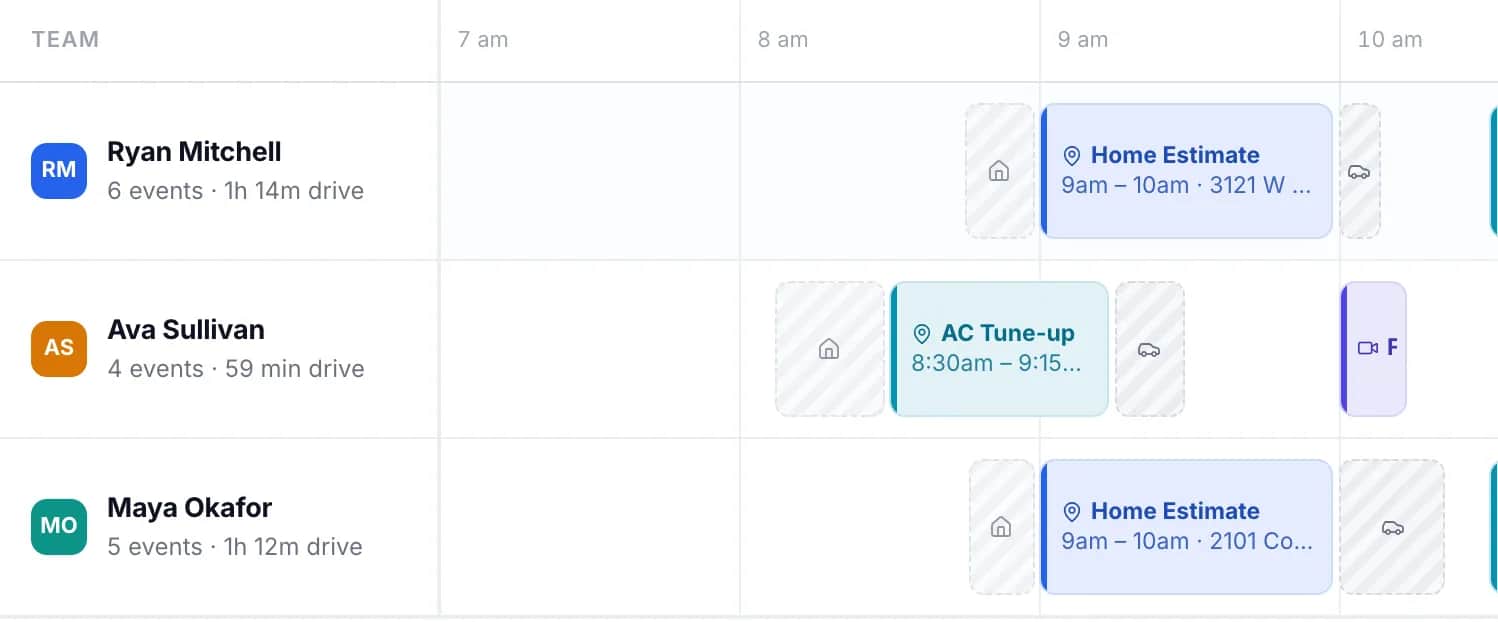
On the Team plan an event type can have several hosts, each with their own calendar, hours and home base. Every open time is ranked for the host who could reach it with the least driving, and the service area is measured from each of them, so a lead on the east side is offered the times of whoever is already there.
Setting it up for estimates
- Create one event type for an estimate, 45 minutes to an hour. If a roof and a bathroom need different lengths, make them services of one custom event type.
- Ask on the booking form what the project is, when they hope to start, and whether the person booking owns the home.
- Set the service area to where you will take work: as a distance, or as a drive time if you also want to cap the drive between two estimates.
- Add your estimators as hosts, each with their own hours and home base.
- Turn on approval if you screen leads before sending someone out.
What it does not do
GeoCalendar does not measure roofs, build quotes, collect deposits or schedule crews. It books the estimate and places it. The job that follows goes on your calendar the way it does today. If you need those, a full field-service suite is the right purchase, and GeoCalendar can still sit in front of it as the page where customers book.
Common questions
Can homeowners book a free estimate from my website?
Yes. The booking page can be embedded in your site as a button or as a form in the page, and every event type also has a direct link for emails, texts and ads.
How do I keep estimates out of areas I do not serve?
Set a service area on the event type, as a distance or a drive time from each estimator’s home base. An address outside it is told so before any times are shown.
Can I schedule the job itself in GeoCalendar?
No. Customers book visits of up to three hours. Multi-day jobs stay on your Google or Outlook calendar, and GeoCalendar reads them from there when it offers times for the next estimate.