 GeoCalendar

A fixed fee and a variable drive
A mobile notary is paid for the signing, and often a travel fee on top. Neither grows with the time it takes to get there. Two signings ten minutes apart and two signings fifty minutes apart pay about the same, and the second pair takes most of an afternoon.
The appointments are also exact. A signer has taken an hour off work, or a title company has a closing at three. So the day cannot be shuffled once it is booked, and the only moment to keep it tight is the moment each appointment is made.
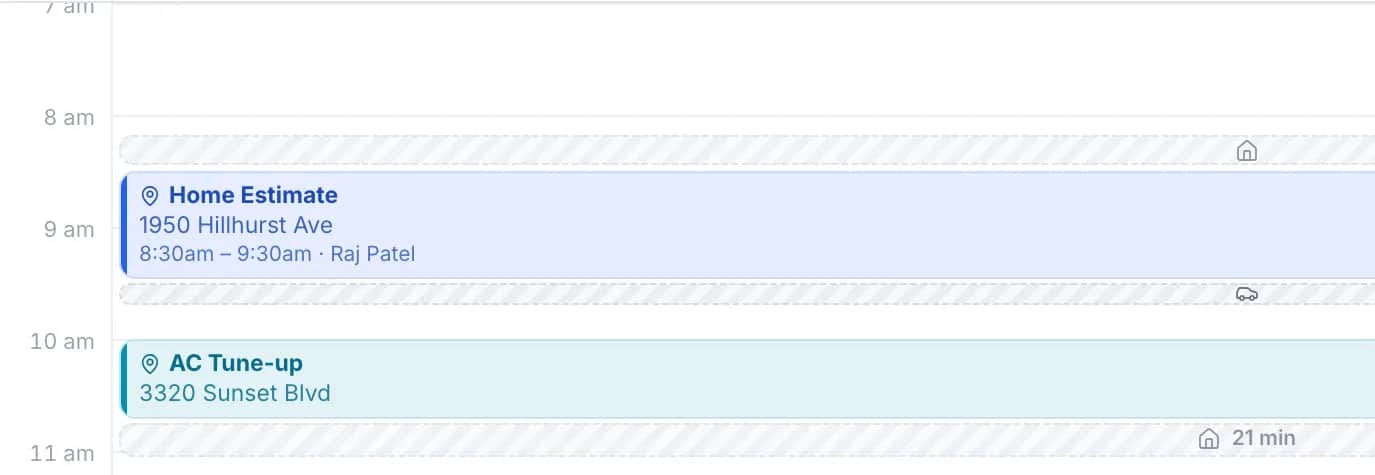
The same signing, two possible times
Say a client needs a power of attorney notarized at home on Thursday, and you have two openings. The IRS business mileage rate is 76 cents a mile. The drive times are illustrations.
| Opening | Extra driving | Extra miles | Vehicle cost |
|---|---|---|---|
| 11:00, between two signings on the other side of the county | 48 min | 26 mi | $19.76 |
| 2:30, after a signing eight minutes away | 10 min | 4 mi | $3.04 |
On a fee that does not change with distance, those thirty-eight minutes and twenty-two miles come straight out of what the appointment earns. The trip charge calculator works out what a travel fee has to cover at each distance.
What happens when a client books
The client enters the address where the signing will happen, then sees the times that sit nearest your other appointments that day. Every other open time is still there under more options, because some signings have a time that cannot move. An address beyond the area you travel to is told so before any times are shown.
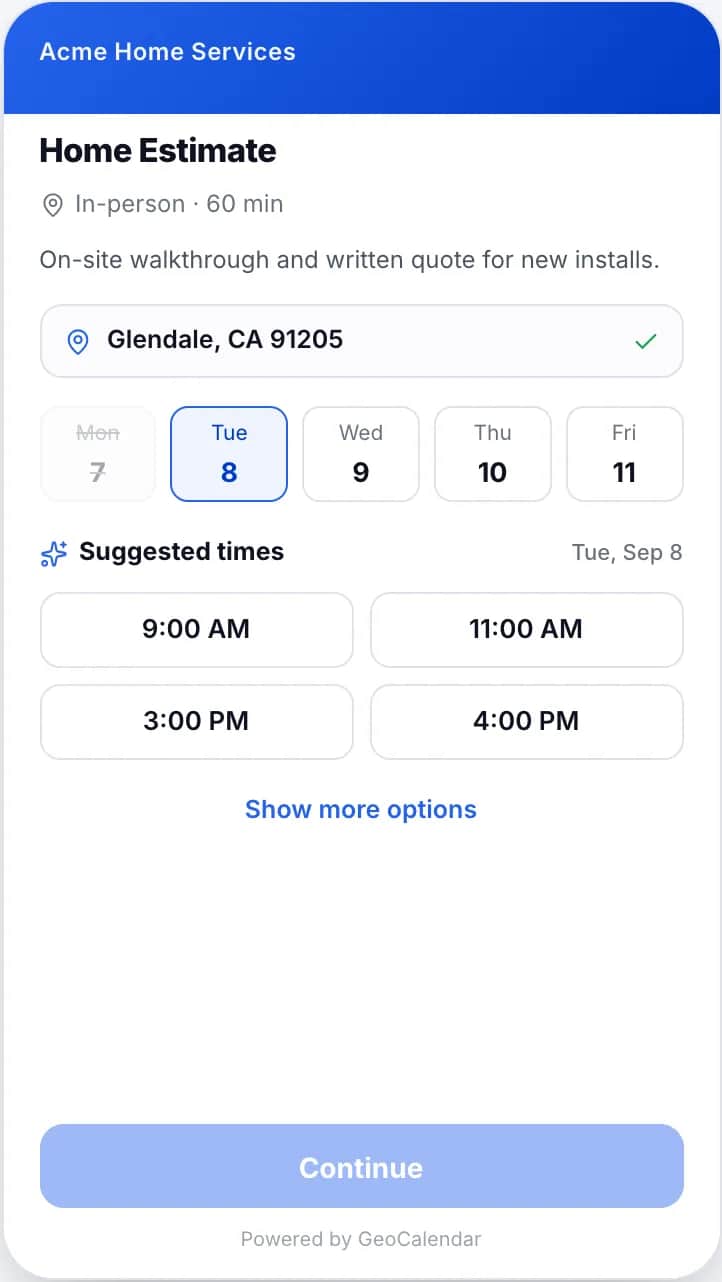
Setting it up for notary work
- Use a custom event type with a service for each kind of appointment: a single document at 30 minutes, a loan signing at an hour or more. Each can show its fee.
- Ask on the booking form for the type of document, the number of signers, and a reminder to have valid ID ready.
- Limit the service area by max drive time, so the edge of it is where the travel stops paying. The same figure is the longest drive allowed between two signings.
- Set the minimum notice to four hours if you take same-day work, or a day if you do not.
- Add a buffer after each appointment for the journal entry.
What it does not do
GeoCalendar does not keep your notary journal, verify identity, perform remote online notarization or take payment, and it does not receive orders from signing services. It is the page where a client books a time, and it books exact start times. Whatever your state requires of you as a notary is unchanged by how the appointment was made.
Common questions
Can a title company or a law office book a signing for their client?
Yes. Anyone with your link can book. Add questions to the form for the signer’s name and phone number and the office’s own reference.
Can I take same-day appointments?
Yes. Minimum notice on an event type goes down to four hours. Suggested times still favor the appointments that sit near the ones you already have that day.
Does GeoCalendar add my travel fee?
No. It does not take payment. You can show each service’s price on the booking page, and the service area keeps bookings inside the distance you are willing to drive.