 GeoCalendar

Small jobs make the drive expensive
A handyman sells hours in small pieces. A door that will not latch, a television to mount, a faucet, a fence gate: an hour here, two there, four or five addresses in a day. No single job is large enough to absorb a long drive, which is why the trade has minimum charges, and why a day spent crossing town earns less than it looks like on the calendar.
It is also a trade where the person doing the work is the person answering the phone. A call taken from the top of a ladder gets whatever opening comes to mind. Nobody is looking at a map when they say Thursday at two.
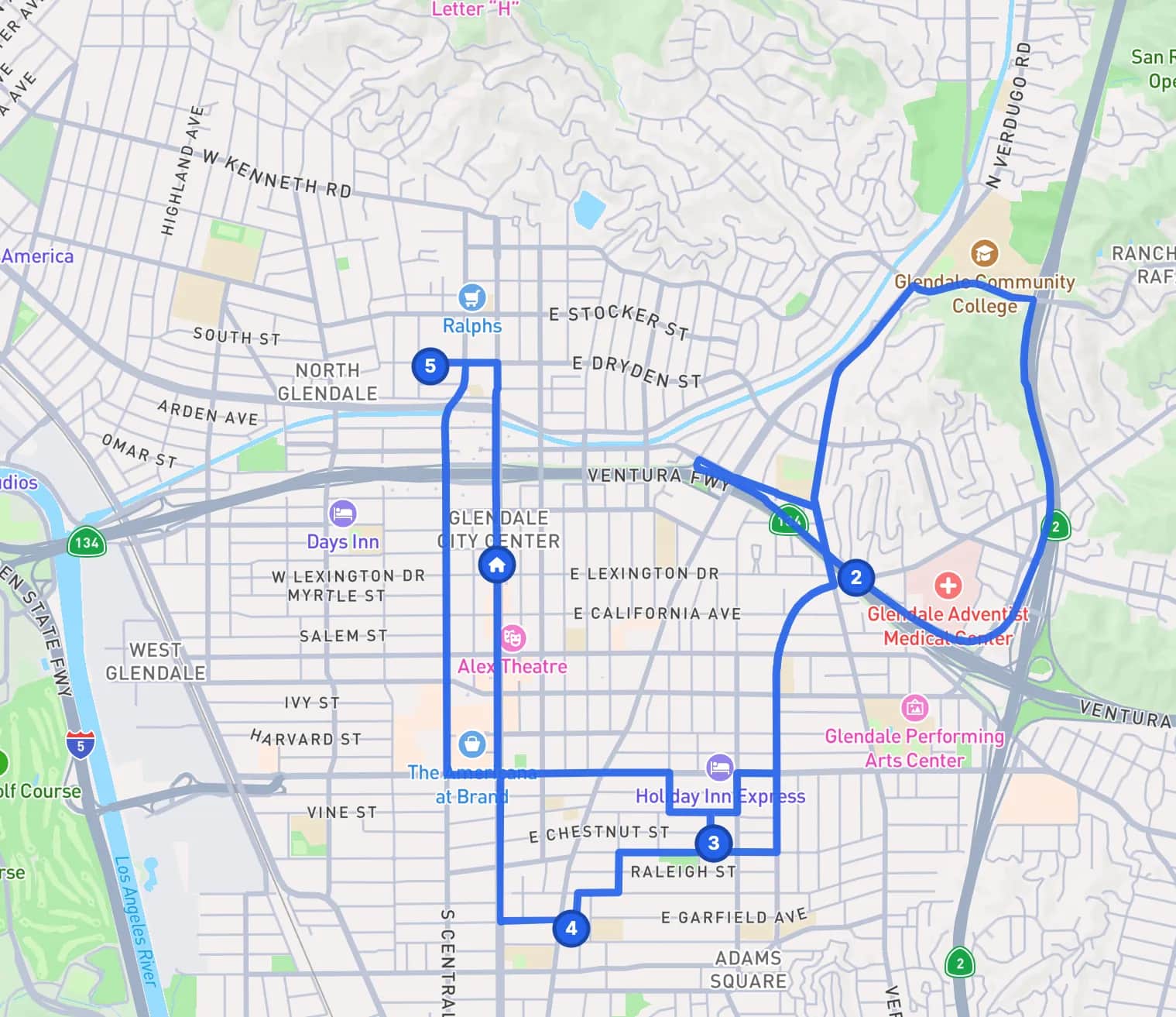
The same five jobs, two ways
Take five jobs in one day. In the first version each was booked into the first gap that suited the customer. In the second, each customer was offered the times near the jobs already booked, and most took one. The IRS business mileage rate is 76 cents a mile. The drive times are illustrations.
| The day | Driving | Miles | Vehicle cost |
|---|---|---|---|
| Booked into whatever gap was open | 2 hr 10 min | 62 mi | $47.12 |
| Booked near the jobs already there | 55 min | 24 mi | $18.24 |
The second day gives back an hour and a quarter. For one person that is another small job, or being home for dinner. The jobs per day calculator works the same sum from your own numbers.
What happens when a customer books
The customer enters their address, then picks the size of the job. GeoCalendar reads the jobs already on your calendar and offers first the times that add the least driving to that day. Every other open time is still there under more options. Whatever they choose, the drive to it is blocked on your calendar with the job.
Setting it up for handyman work
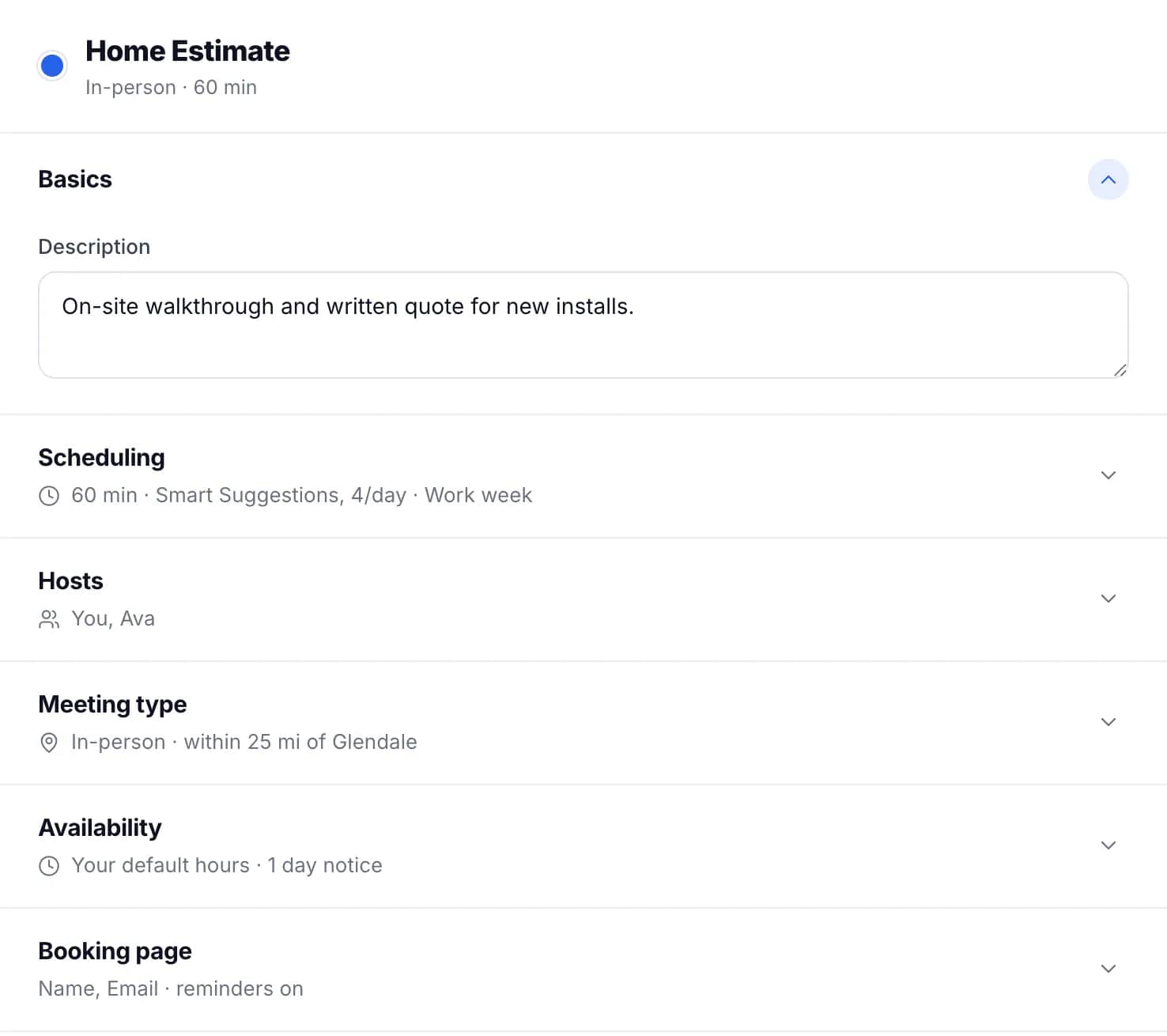
- Use a custom event type with a service for each job size: a small job of one hour, a two-hour visit, a punch list of three. Each can show its price.
- Add a long-text question to the booking form for the list of what needs doing, so you load the right tools and parts.
- Turn on approval if you want to read the list before the time is confirmed. The request holds its time while it waits.
- Limit the service area by max drive time, at 20 to 25 minutes: as far as your minimum charge can carry, and the longest drive allowed between two jobs.
- Keep five minutes after each job as a buffer for loading the truck.
When a job runs over
Small jobs hide bigger ones. When the faucet turns out to be the valve behind it, drag the next visit to a later time on the calendar. A customer who booked it online is emailed the new time, with a way to change it again if it no longer suits them.
What it does not do
GeoCalendar does not write estimates, take payment or send invoices, and it cannot tell how long a vaguely described job will take. It books a visit of the length the customer chose and places it. If you need those, a full field-service suite is the right purchase, and GeoCalendar can still sit in front of it as the page where customers book.
Common questions
Can customers tell me what the job is when they book?
Yes. Add your own questions to the booking form, including a long-text field for the list of jobs. The answers are on the booking in your calendar and in the email you get.
Can I charge more for addresses that are far away?
GeoCalendar does not take payment, so a trip charge is something you quote yourself. What it does is turn away addresses outside your service area before they book, and show each service’s price on the booking page.
Do I need a website?
No. Every event type has a direct link you can send by text or email. If you have a website, the same booking page can be embedded in it.