 GeoCalendar
Project days, and everything that interrupts them
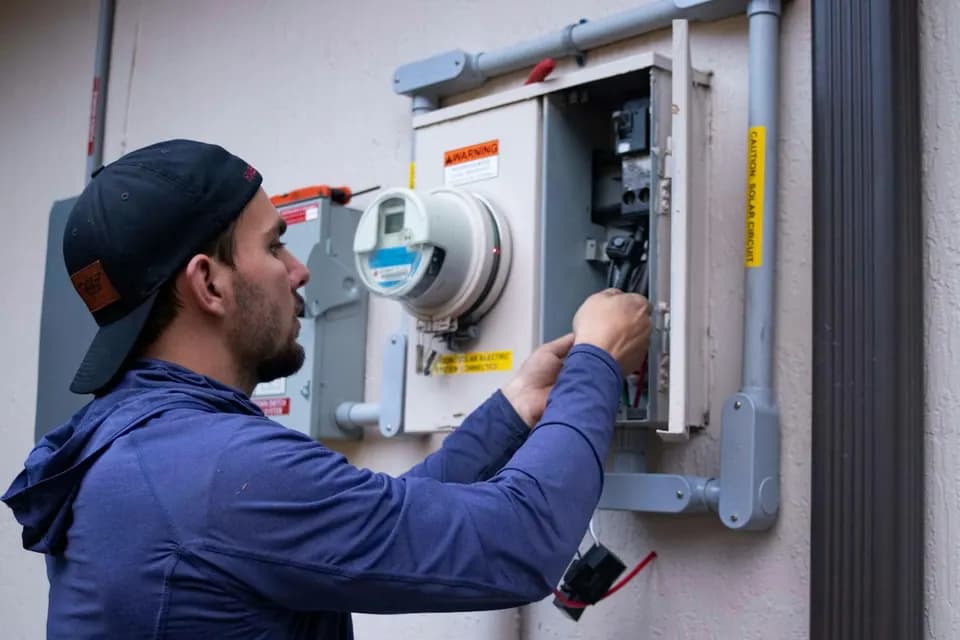
Most of an electrician’s week is project work: a panel upgrade, a kitchen rewire, a run of new circuits in a basement. You plan those days yourself, and each belongs to one address from the morning until the work is done. What interrupts them is everything else. The homeowner who wants a price for a car charger. The landlord with a dead outlet. The buyer who needs someone to look at old wiring before closing.
Each of those is a short visit, and each tends to be booked wherever the calendar shows a gap. An estimate at one o’clock on the far side of the county splits a project day in two, and the half hour it takes to price the job costs two more in the truck.
What happens when a customer books an estimate
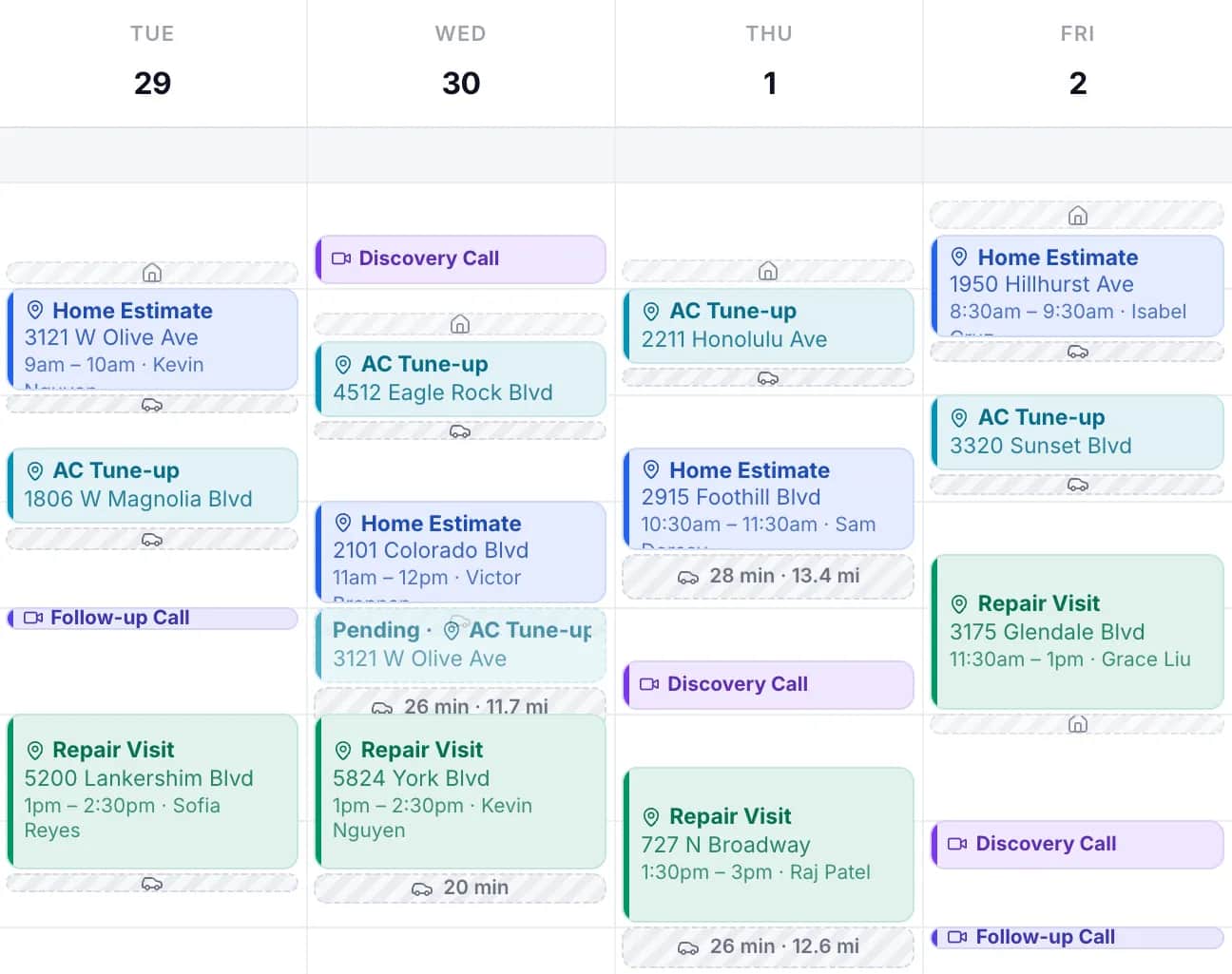
The customer opens your booking link and enters the address before any times appear. GeoCalendar reads what is already on your calendar, including the site you will be working at that day, and works out how much driving each open time would add. The times that add the least are offered first: the end of the day near the job, or the start of it when the address is on your way in. Every other open time is still there under more options.
Once it is booked, the drive is blocked on the calendar along with the visit, so the next customer is ranked against the day as it now stands.
One estimate, two places to put it
Say you are on a panel upgrade all Tuesday and a rewire all Thursday, and a homeowner wants a price for a car charger. The IRS business mileage rate is 76 cents a mile. The drive times are illustrations.
| Where the estimate lands | Extra driving | Extra miles | Vehicle cost |
|---|---|---|---|
| Tuesday at 1:00, across town from the panel job | 50 min | 24 mi | $18.24 |
| Thursday at 4:00, six minutes from the rewire | 8 min | 3 mi | $2.28 |
The mileage is the smaller part. The first opening also stops a project in the middle of the day, and if a helper is on the job with you, either they wait at the site or they ride along and two people are paid for the trip.
Setting it up for electrical work
- Create an event type for an estimate of 30 or 45 minutes, and one for a service call of an hour if you sell those at a fixed length.
- Put every project day on the connected calendar with the site’s address in the location field. That address is what a new booking is ranked against.
- Limit the service area by max drive time, at about 30 minutes. That is how far from your home base an address can be, and no estimate is offered a longer drive than that from the work on either side of it.
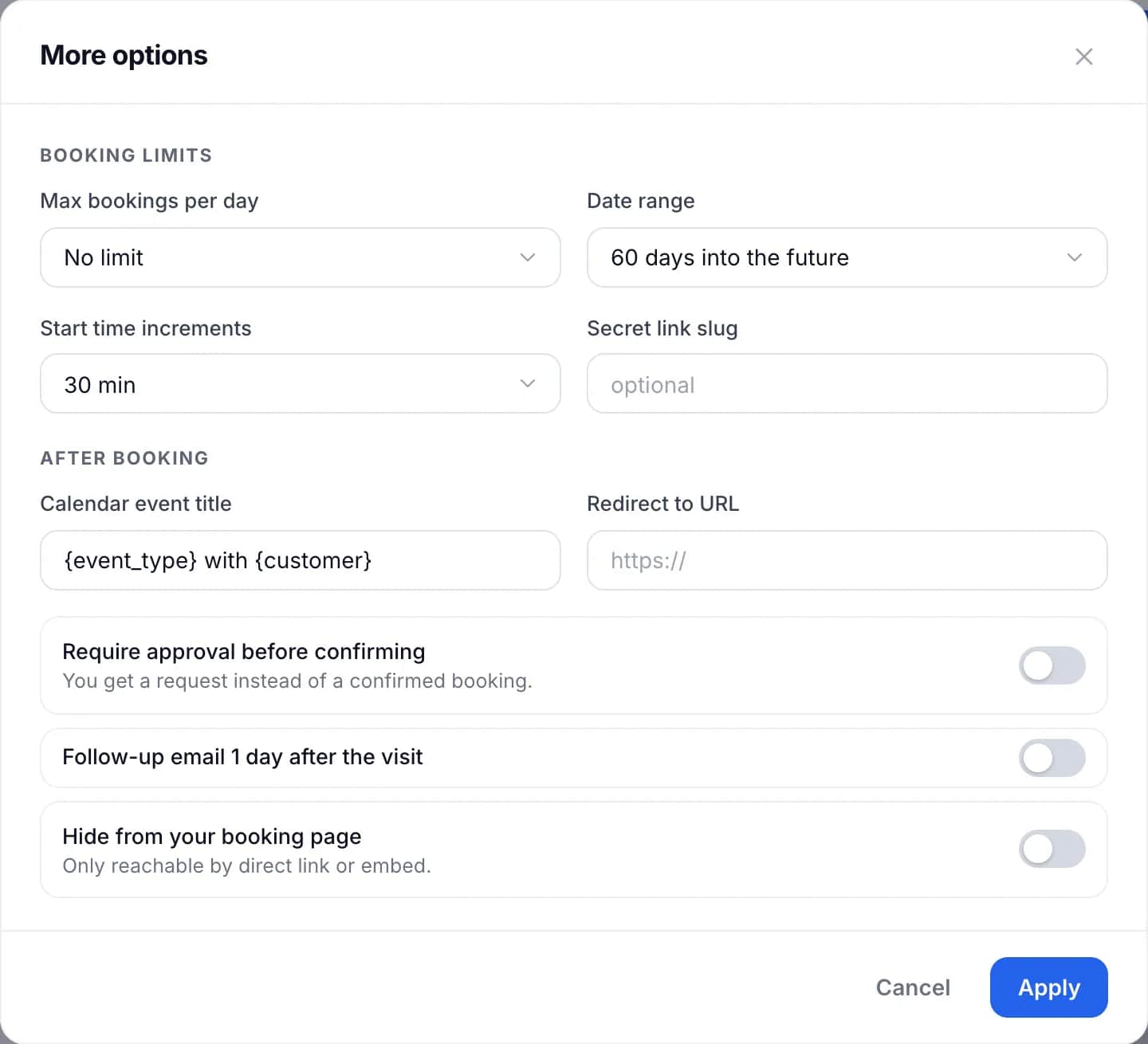
- Cap the bookings per day, so estimates and small calls cannot take over a project day.
- Ask on the booking form what the job is, how old the panel is if they know, and how to get in.
What it does not do
GeoCalendar does not write quotes, pull permits, track materials or send invoices, and it does not dispatch emergencies: a burning smell or a house with no power should reach a person by phone. It books exact start times, not arrival windows. If you need those, a full field-service suite is the right purchase, and GeoCalendar can still sit in front of it as the page where customers book.
Common questions
Should emergency electrical calls be bookable online?
No. Sparks, a burning smell or a house with no power need a same-day answer from a person. Keep those on the phone and put estimates and planned service calls online.
Does it work for an electrician and an apprentice who travel together?
Yes. Treat the crew as one host with one calendar. Every visit placed near the one before it saves the drive for both people.
Can a customer book a job that takes a full day?
No. An event type runs from 15 minutes to two hours, which suits estimates and small service calls. Book the estimate online, then put the project itself on your calendar.