 GeoCalendar
What each can do
- Admins manage billing, branding, the team, integrations and every event type, and see and edit everyone’s calendar and hours.
- Members manage their own calendar, hours, home base and visits, and see the event types they host.
Change someone’s role
On Settings, Team, open the person’s menu and choose Make admin or Make member.
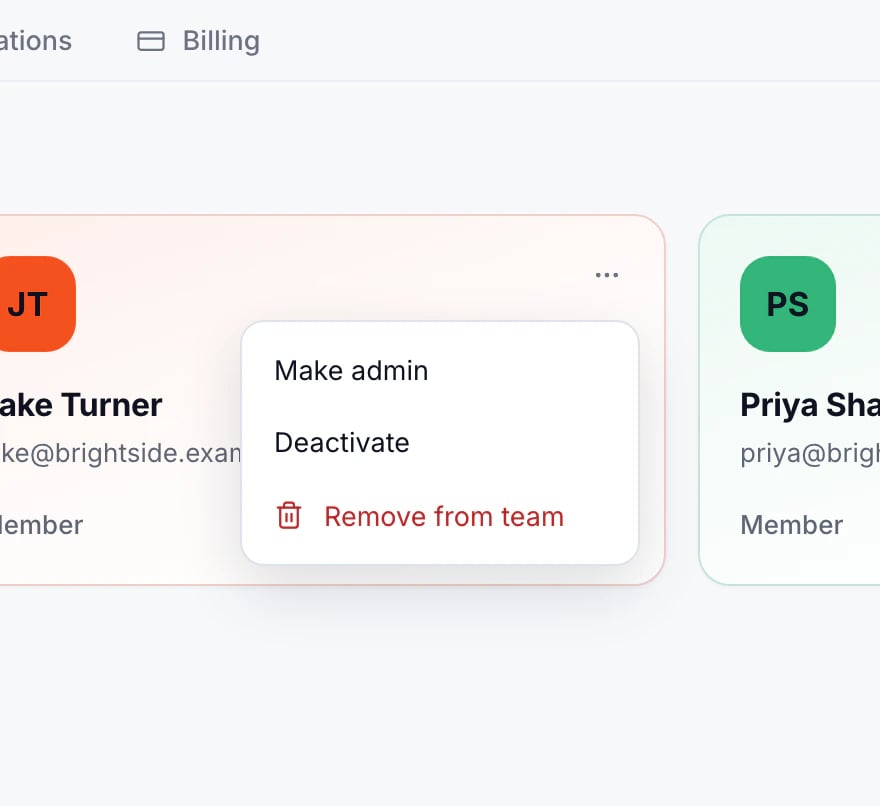
A workspace always keeps at least one admin.
Updated November 10, 2026