 GeoCalendar
Open Settings, then Notifications. Each person chooses their own, and changes save as you make them.
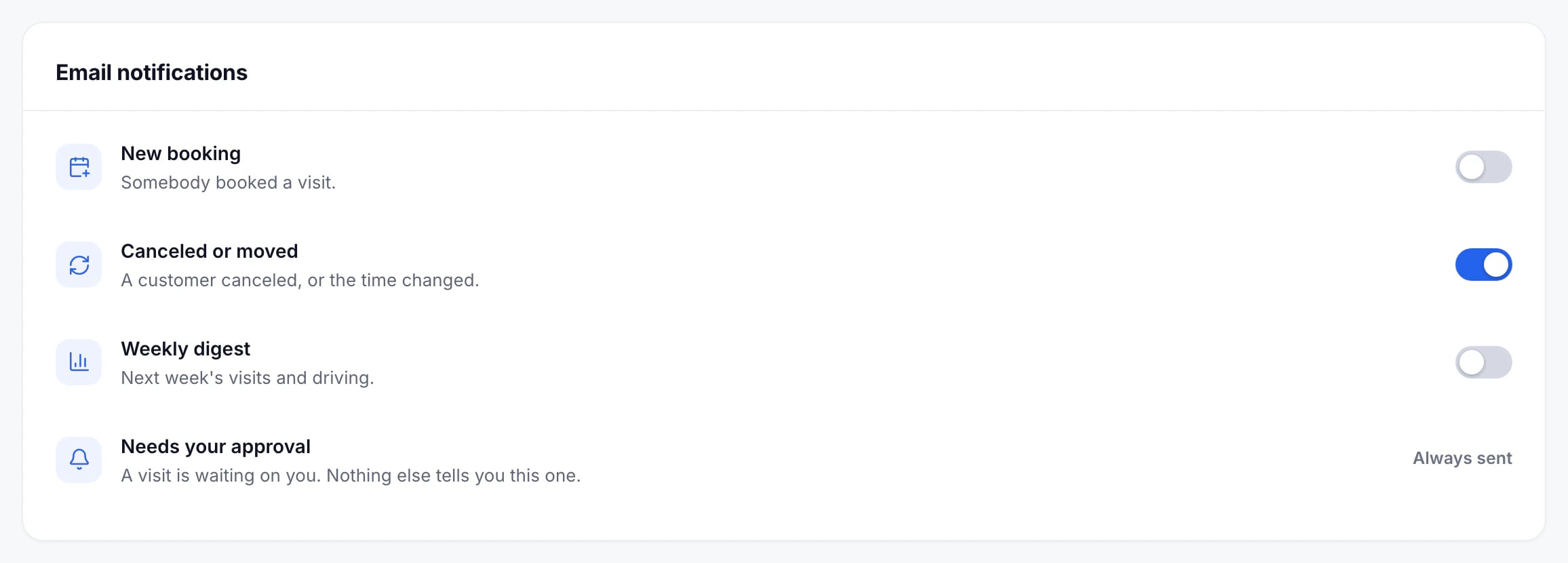
The emails
- New booking: somebody booked a visit with you. Until you choose, it goes only to people without a connected calendar, since Google and Microsoft already tell you about new events on yours.
- Canceled or moved: a customer canceled, or the time changed. On unless you turn it off.
- Weekly digest: next week’s visits and driving. Off unless you turn it on.
- Needs your approval: a request is waiting on you. Always sent, because nothing else tells you.
- Setup tips: a few emails in a new workspace’s first week, to the person who signed it up. The switch shows only for them, and only that week; Stop these emails at the foot of each one turns them off too.
Updated November 10, 2026