 GeoCalendar
On Settings, Team, open the person’s menu.
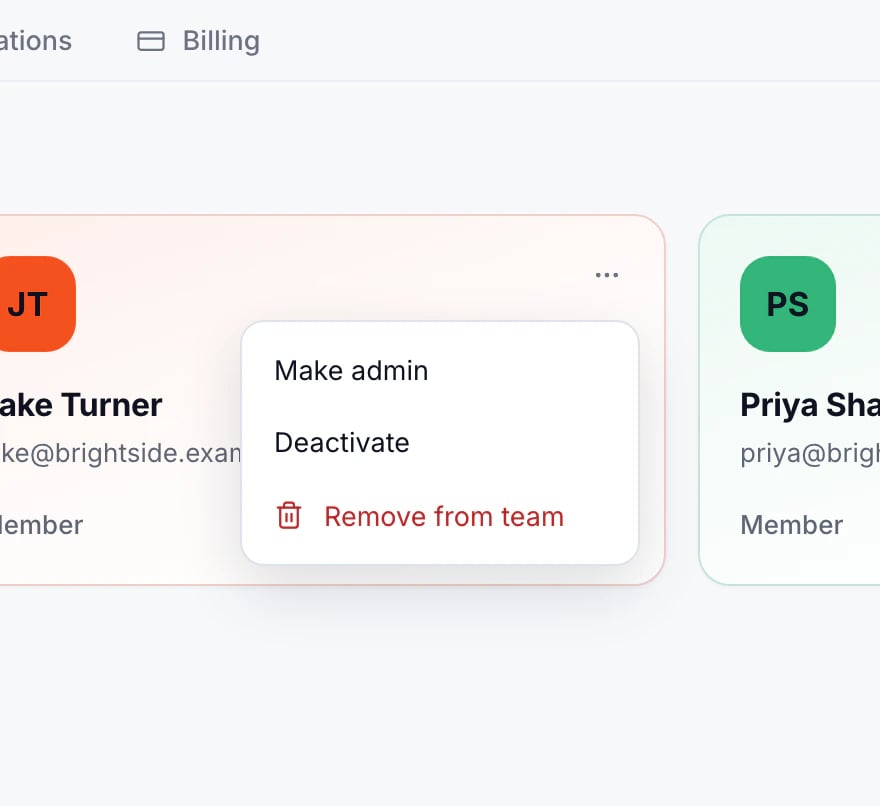
Deactivate
Deactivate keeps their appointments, hours and history, but they can’t sign in to the workspace and no longer take bookings. They stop counting as a paid user. Reactivate brings them back as they were.
Remove
Remove from team takes away their access and deletes their appointments and availability. If they aren’t in another workspace, their account is deleted too.
Removing can’t be undone. When someone leaves, deactivate them first, and move their upcoming visits to a teammate.
Updated November 10, 2026