 GeoCalendar
Send the invitation
- Open Settings, then Team.
- Press Invite teammate.
- Type their Work email and choose their Role.
- Press Send invitation.
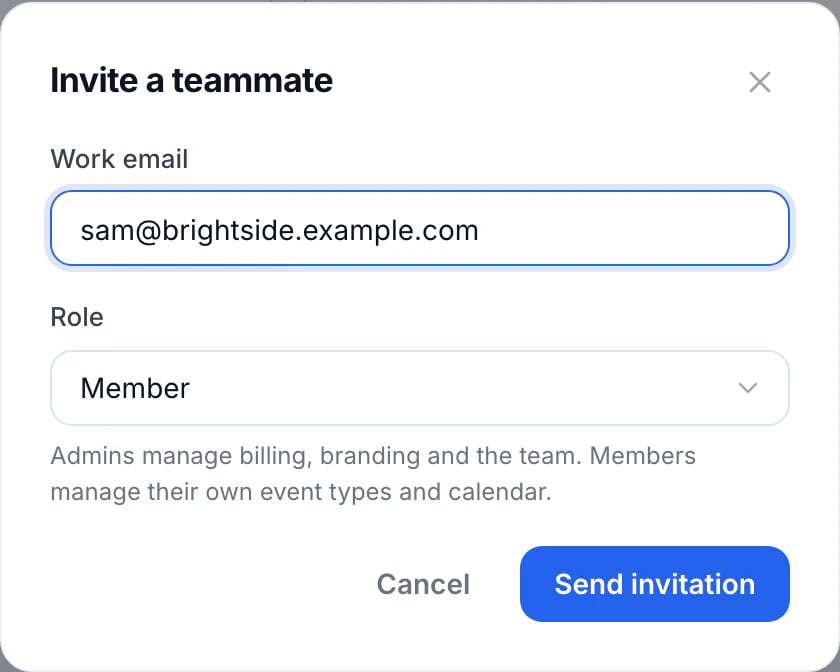
They get an email to join, which works for seven days. The invitation shows on the Team list until they accept, with Resend invitation and Cancel invitation in its menu.
Once they join
They choose a password on the invitation’s page (someone who already has a GeoCalendar account uses theirs), then connect their own calendar. Next, set their hours and home base, and add them to event types as a co-host or in a pool.
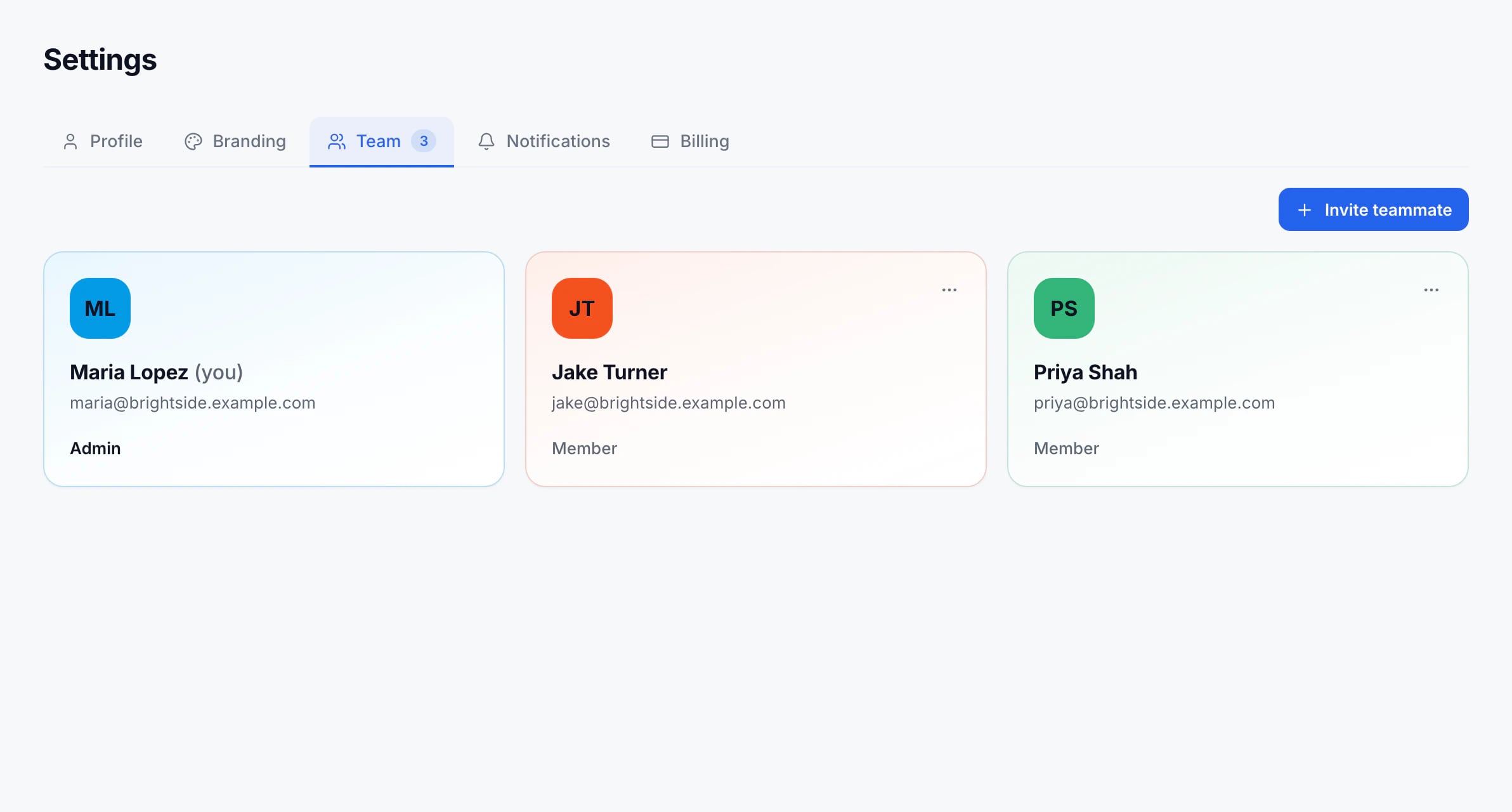
Teammates come with the Team plan, which is billed per active user; someone who joins mid-month appears on the next invoice. Basic is for one person. Your trial includes the Team plan.
Updated November 10, 2026