 GeoCalendar
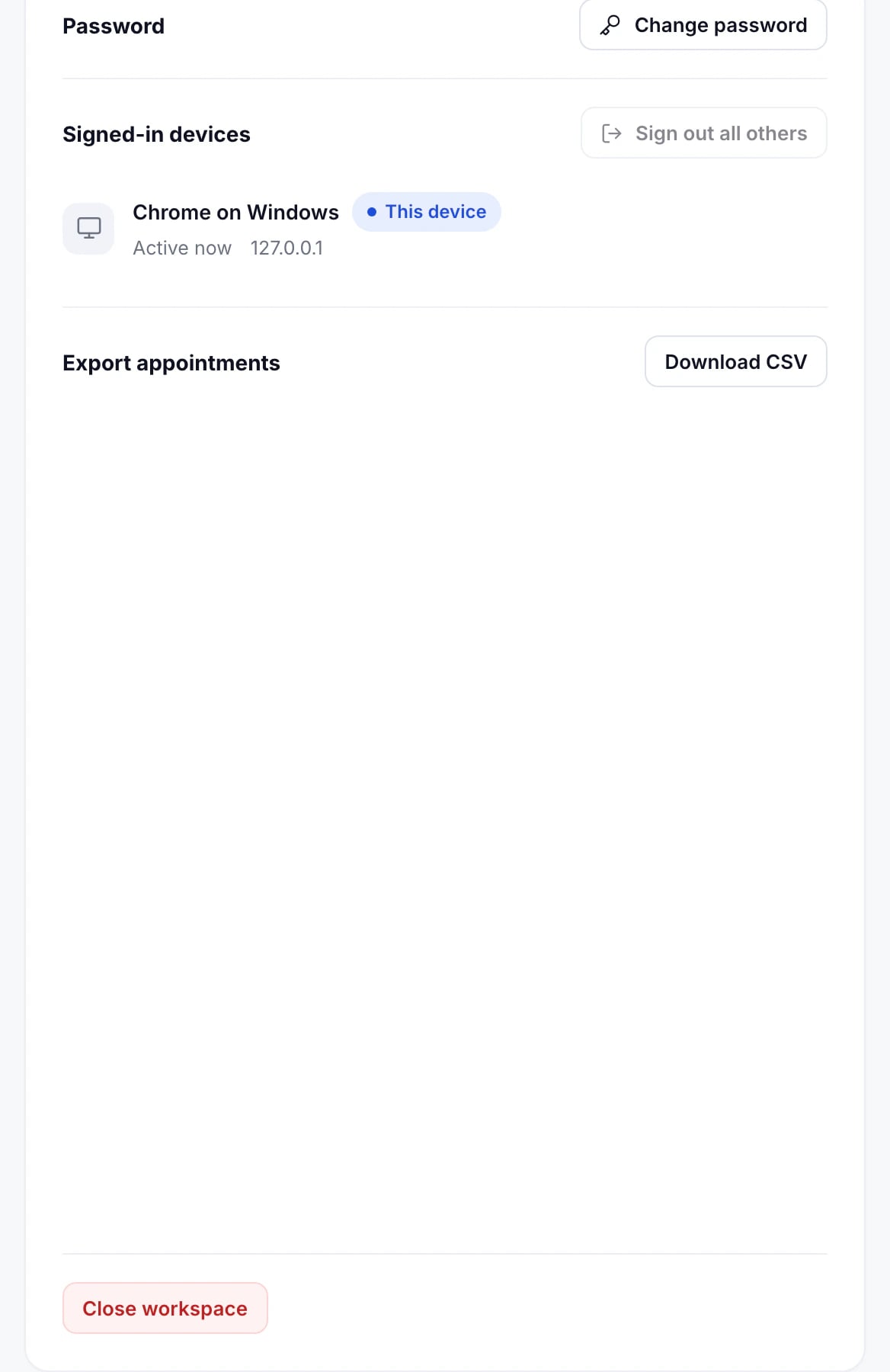
Open Settings. Password and Signed-in devices are at the foot of the Profile tab.
Change your password
Press Change password, enter your current password and the new one twice, and press Update password. Every other device is signed out, and we email you that the password changed.
Signed-in devices
The list shows each browser you’re signed in on and when it was last active. Press Sign out beside one to end it, or sign out of every device but this one.
We email you when your account is signed in on a new device. If it wasn’t you, change your password straight away.
Updated November 10, 2026