 GeoCalendar
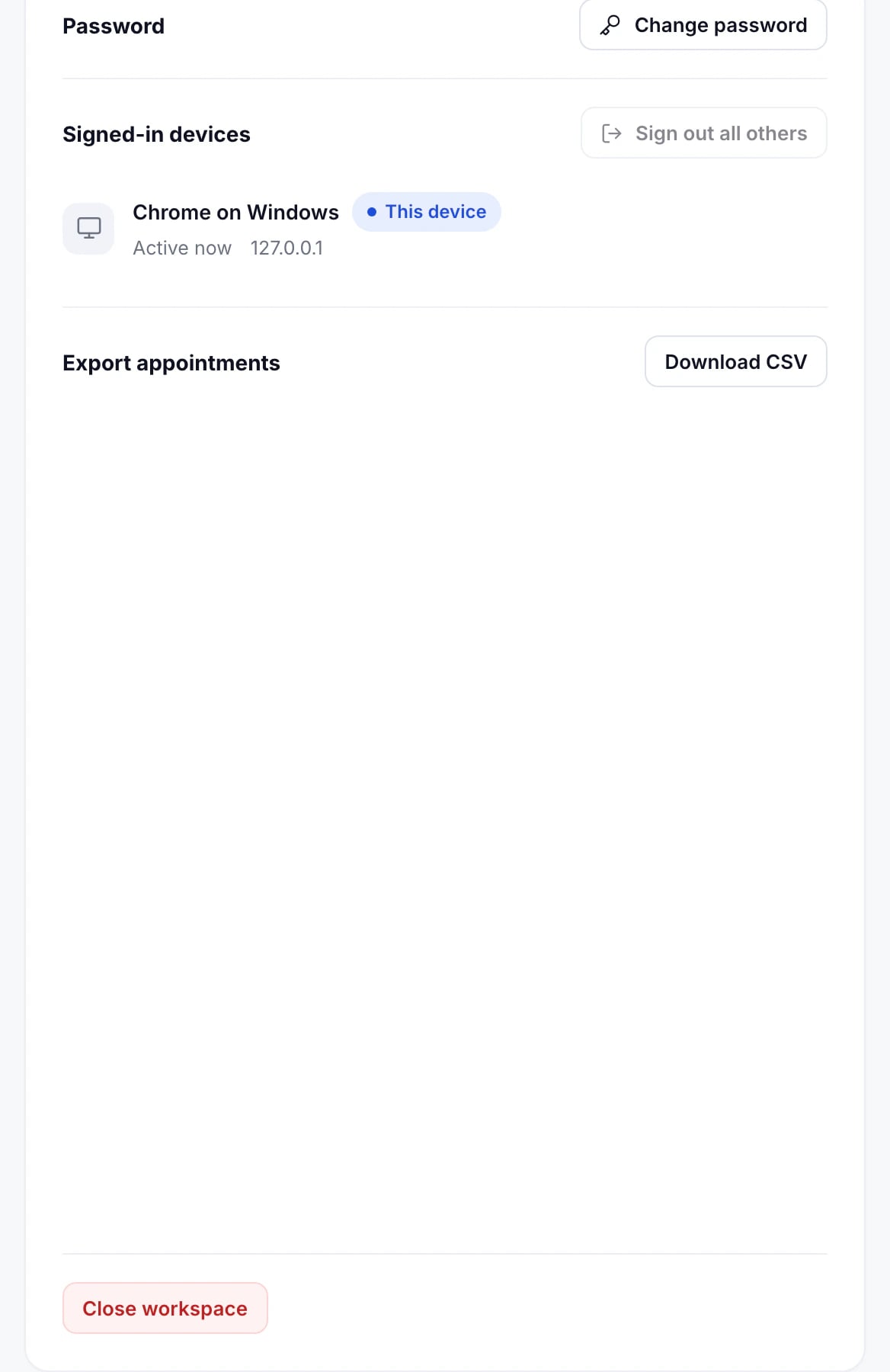
- Open Settings, on the Profile tab.
- Under Export appointments, press Download CSV.
What’s in it
A row for each appointment: when it starts and ends, its title, status and event type, the host, the customer’s name, email and phone, the address or meeting link, the notes, and where it came from.
Times in the file are in UTC, so they read the same wherever it’s opened. Admins export the whole workspace; members export their own appointments.
Updated November 10, 2026