 GeoCalendar
- On the sign-in page, press Forgot password?
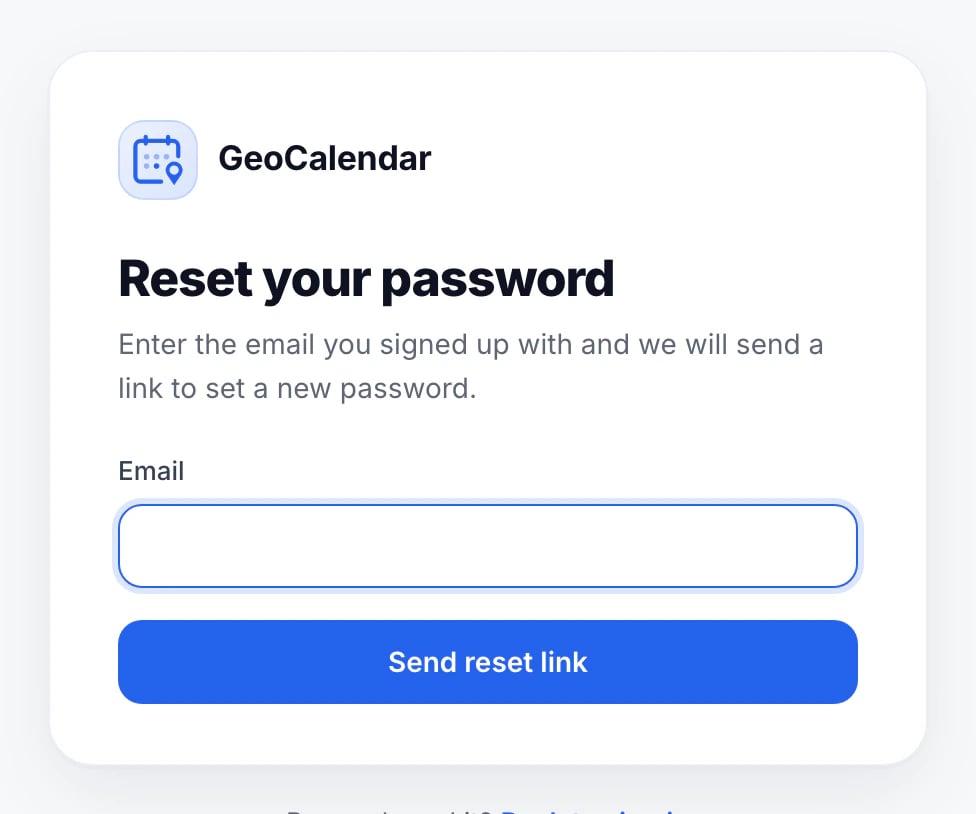
- Type the email you sign in with, and press Send reset link.
- Open the Reset your GeoCalendar password email, press its link, and choose a new password.
The link works once and expires after an hour. If it has, ask for a new one.
No email?
- Check your spam or junk folder for a message from GeoCalendar.
- Make sure it’s the email you sign in with. If you signed up with Google, use Sign in with Google instead.
- Still nothing after a few minutes? Contact us.
Updated November 10, 2026