 GeoCalendar
The plans
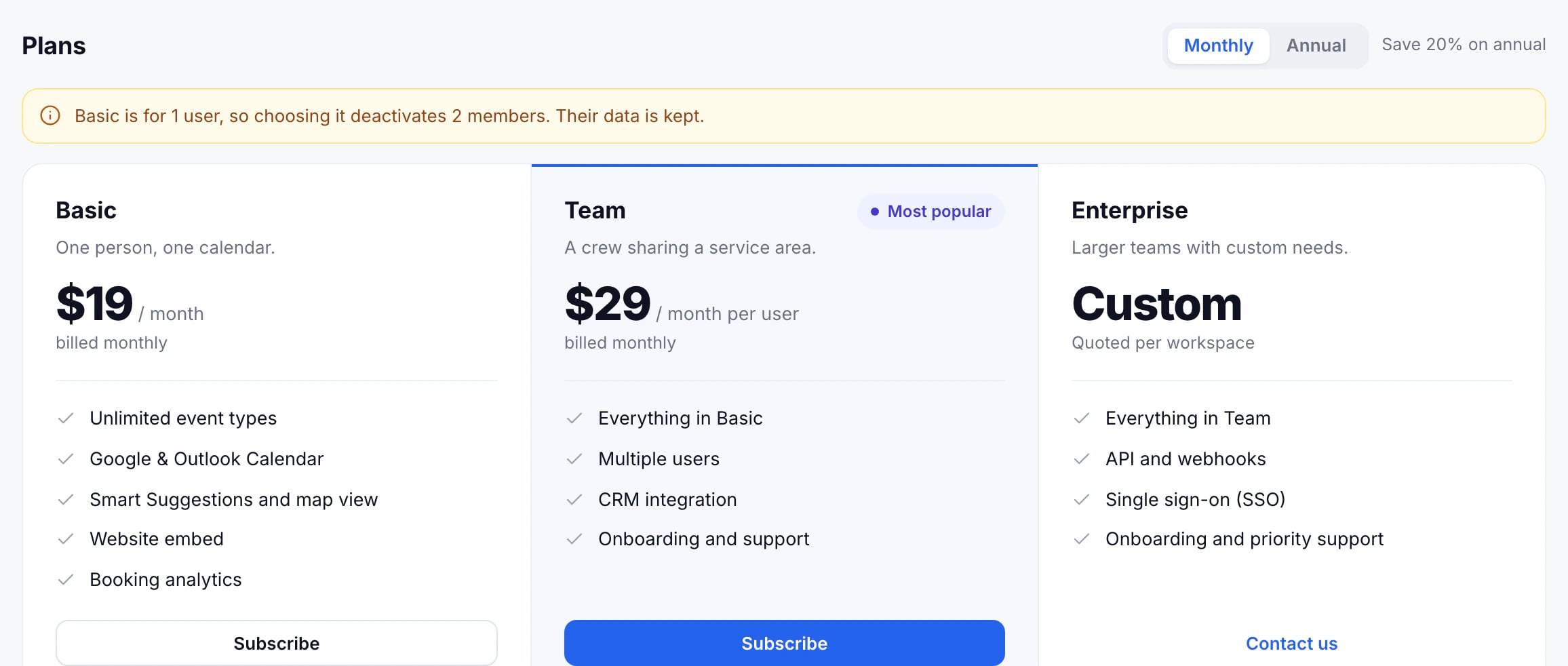
- Basic: one person and one calendar, with unlimited event types, Smart Suggestions and the map, the website embed and analytics.
- Team: everything in Basic for several people, billed per active user, with co-hosts and pools, CRM imports and turning off the badge.
- Enterprise: for larger teams, with single sign-on and an API. Talk to us about it.
Prices are on the pricing page, and under each plan in Billing.
Subscribe
- Open Settings, then Billing. Only admins can.
- Choose Monthly, or Annual to save 20%.
- Press Subscribe on the plan.
- Enter your card in the secure payment form. It’s handled by Stripe; GeoCalendar never sees the card number.
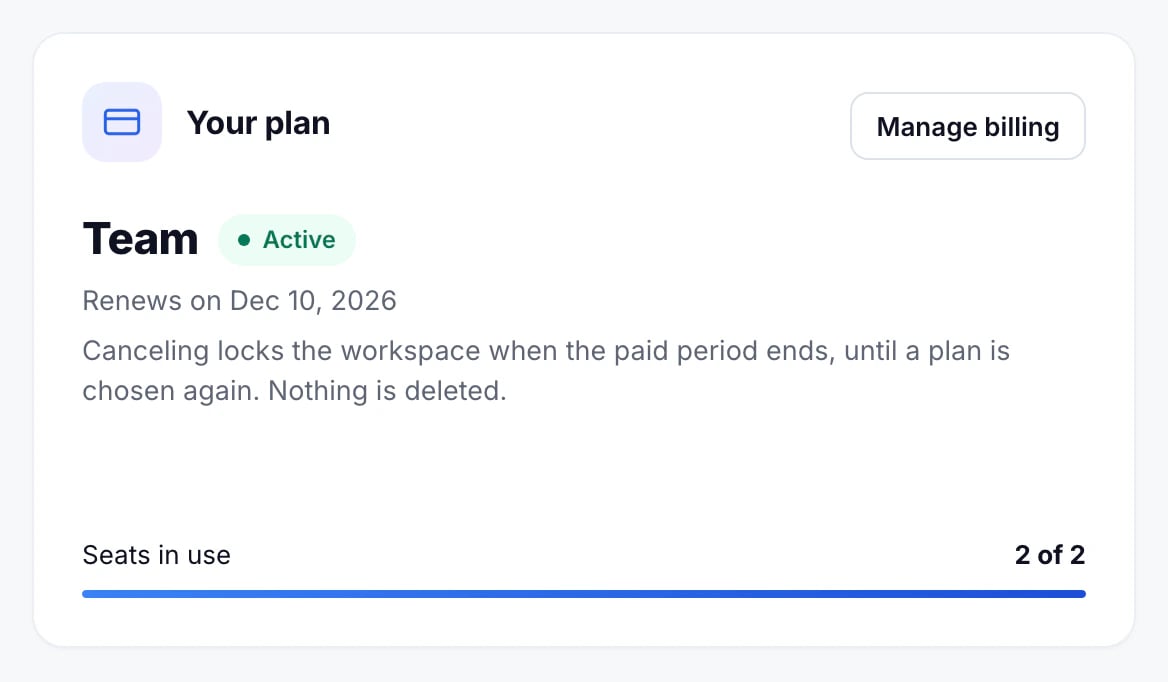
You’re charged straight away, and Billing shows the plan as Active, with the date it renews.
Basic is for one user. Choosing it with teammates in the workspace asks who stays; the others are deactivated, and their data is kept.
Updated November 10, 2026
Learn morePricing