 GeoCalendar
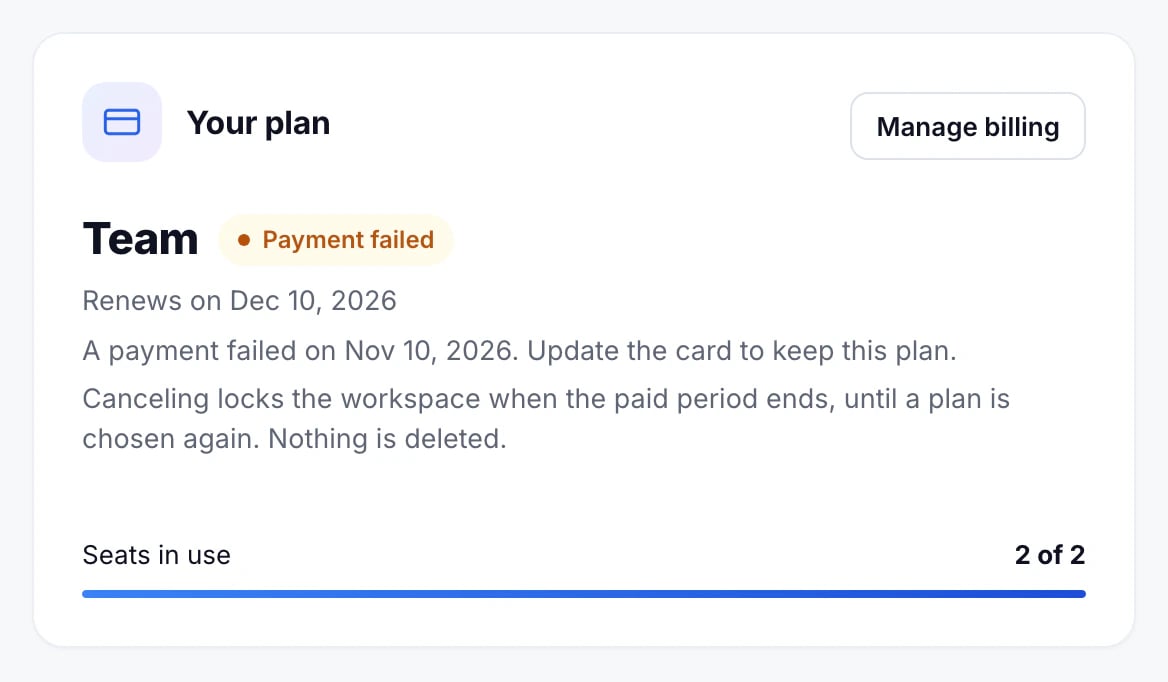
When a renewal can’t be charged, Billing says Payment failed, and the workspace’s admins get an email. Everything keeps working for 14 days.
Fix it
- Press Manage billing.
- Update the card in Stripe’s billing portal, or pay the open invoice.
Billing goes back to Active once the payment goes through.
If it isn’t fixed
We remind the admins after a week, and again the day before the 14 days are up. Then the workspace locks: booking pages stop taking bookings and calendars stop syncing until the payment is made. Nothing is deleted.
Updated November 10, 2026