 GeoCalendar
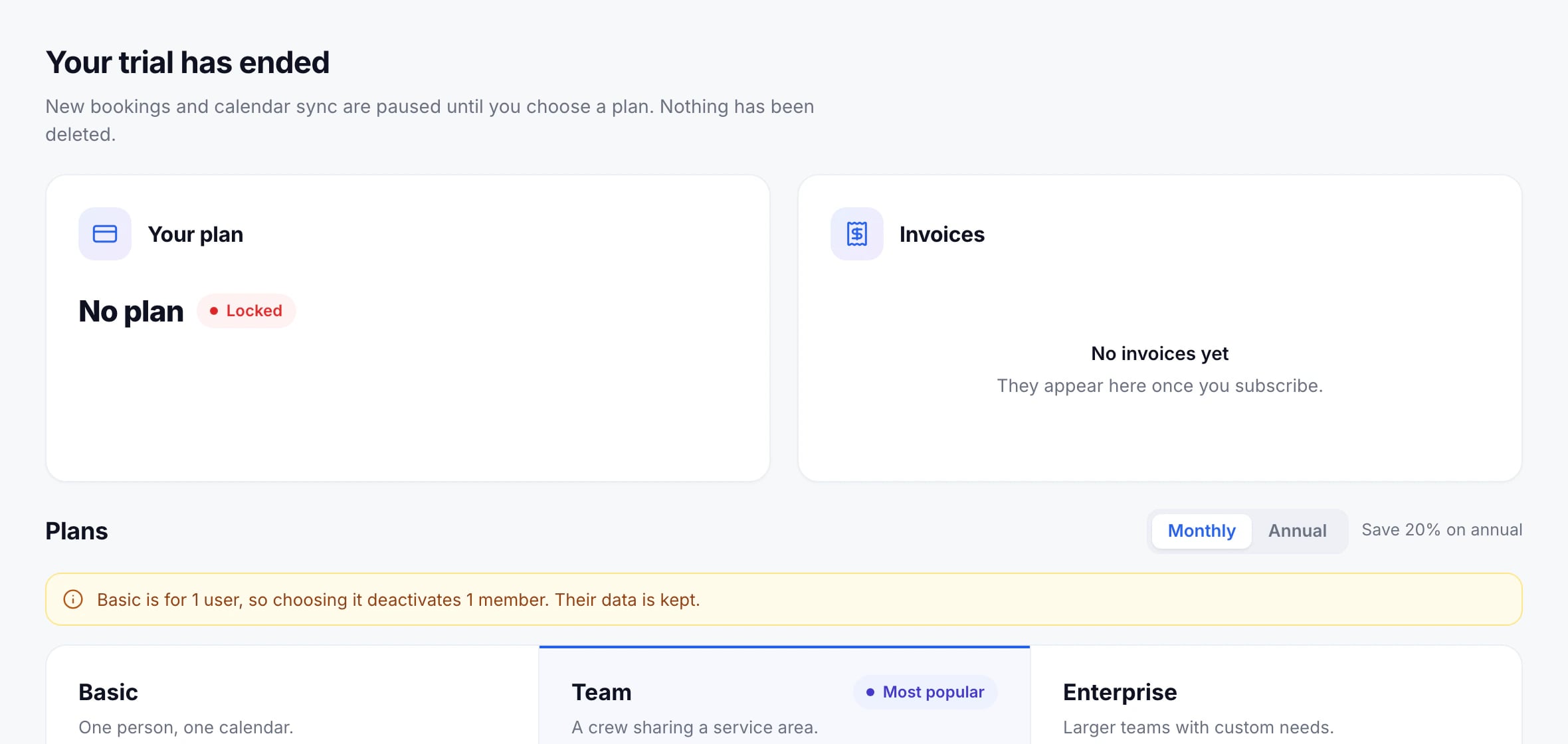
A workspace locks when its trial ends without a plan, when its plan is canceled and the paid period runs out, or when a failed payment isn’t fixed in 14 days. While it’s locked:
- Booking pages, and booking embedded on your website, stop taking bookings.
- Calendars stop syncing.
- Everyone who signs in sees this screen instead of the app.
- Nothing is deleted: event types, visits, contacts and settings are kept as they were.
Open it again
An admin chooses a plan on the same screen, or pays the open invoice after a failed payment. Everything comes back as it was, straight away. Members see a note asking them to ask an admin.
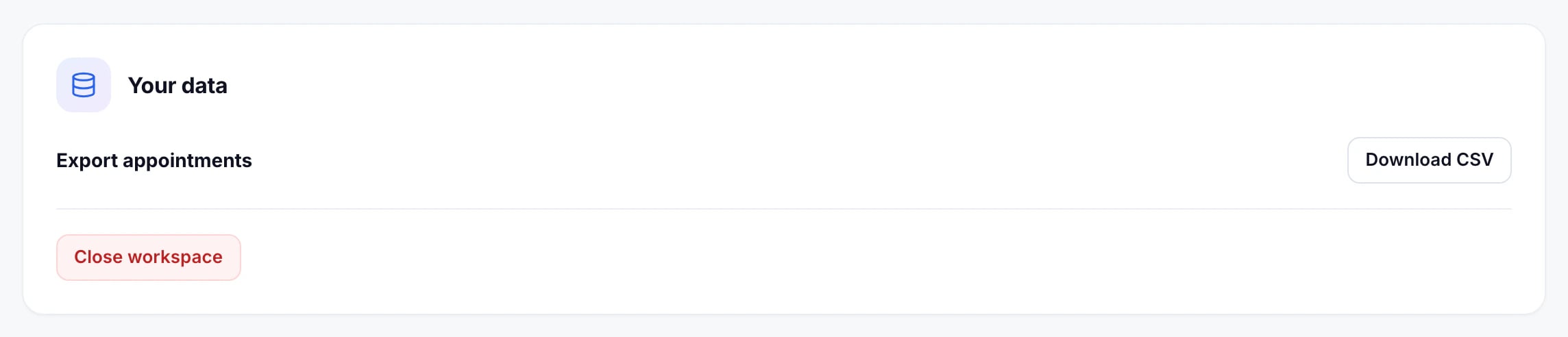
Your data
Admins can still download the appointments, or close the workspace for good, from the same screen.
Updated November 10, 2026