 GeoCalendar
- Open Settings, then Billing.
- Press Manage billing. Stripe’s billing portal opens.
- Choose to cancel the plan, and confirm.
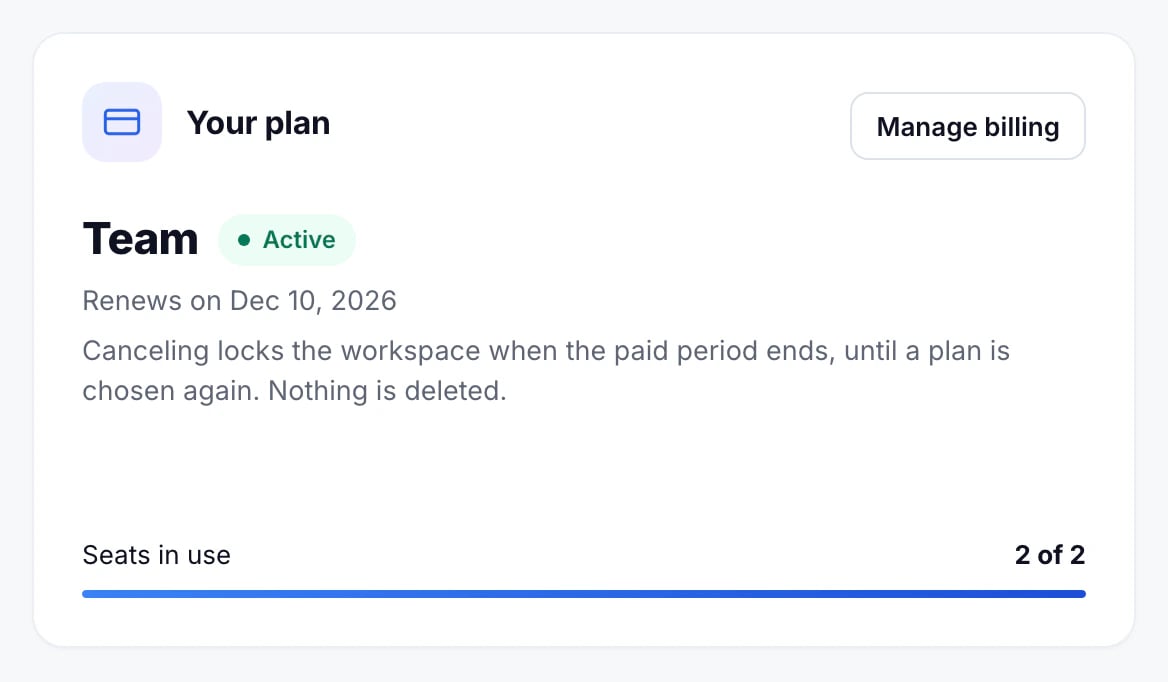
Billing then shows the date it cancels. Until that date everything works as before, and you can renew in the portal if you change your mind.
After it ends
The workspace locks: booking pages stop taking bookings and calendars stop syncing. Nothing is deleted, and choosing a plan again unlocks it as it was. To delete your data instead, close the workspace.
Updated November 10, 2026