 GeoCalendar
Copy the code from Share on the event type, with the builder’s tab chosen. Then:
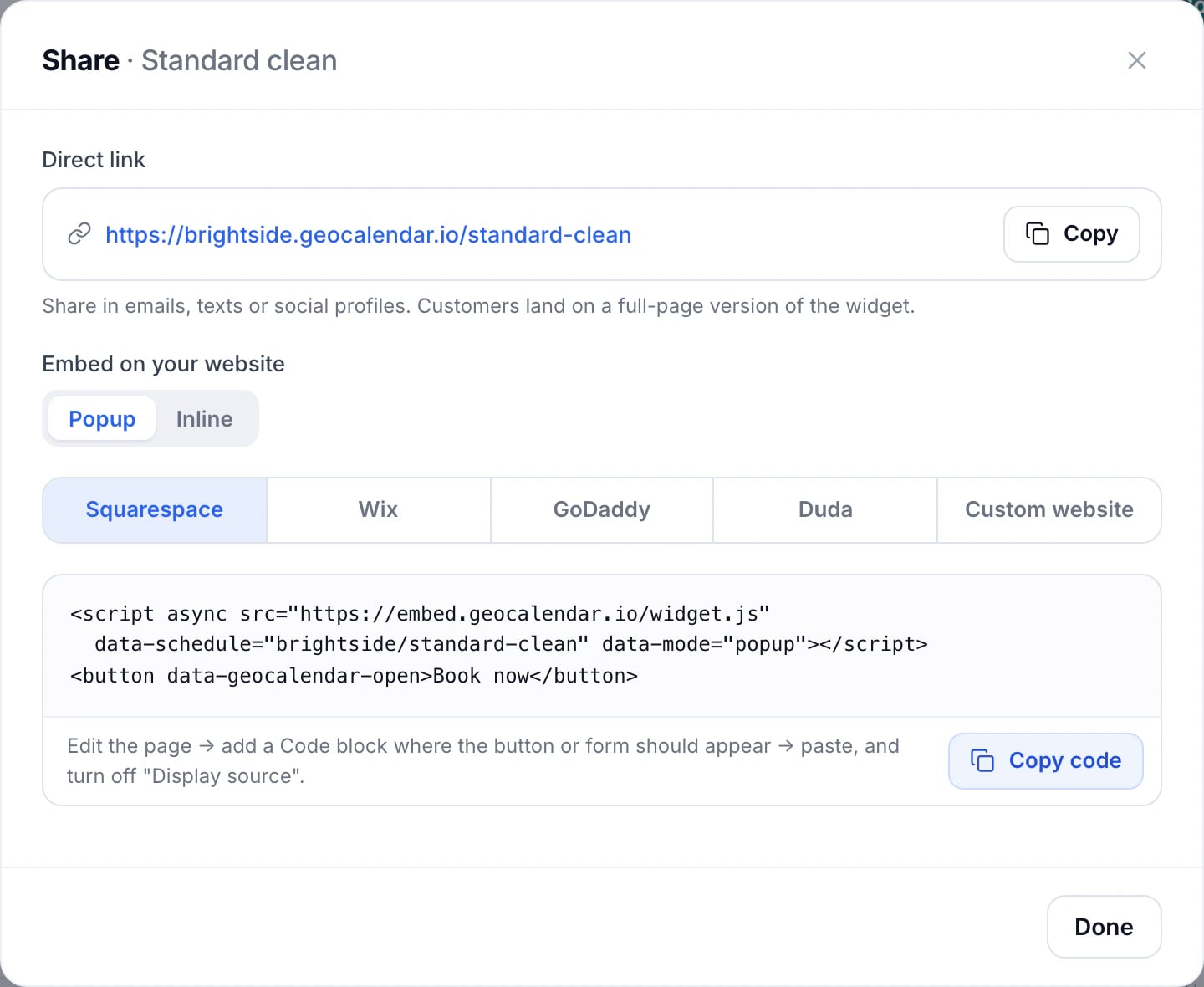
Squarespace
Edit the page, add a Code block where the button or form should appear, paste the code, and turn off Display source.
Wix
Choose Add, Embed Code, Embed HTML, and paste the code. Give the element room: at least 700 pixels tall for the inline form. For a popup, you can also link any Wix button to the direct link instead.
GoDaddy
Edit the page, choose Add Section, then HTML, and paste the code where booking should appear.
Duda
Drag an HTML widget to where booking should appear, and paste the code.
Any other site
Choose Custom website, and paste the code into the page body where the button or form should go, not into the site-wide header. WordPress, Webflow and other builders with an HTML or code block work the same way.
- Any element with a data-geocalendar-open attribute opens the popup, so your own buttons can open it.
- data-prefill-name and data-prefill-email fill in the form for a visitor you already know.
- The page receives a geocalendar:booked event when someone books, for your own tracking.
Updated November 10, 2026
Learn moreThe booking widget