 GeoCalendar
Copy the link
- Open Event types and open the event type.
- Press Share at the foot of the editor.
- Under Direct link, press Copy.
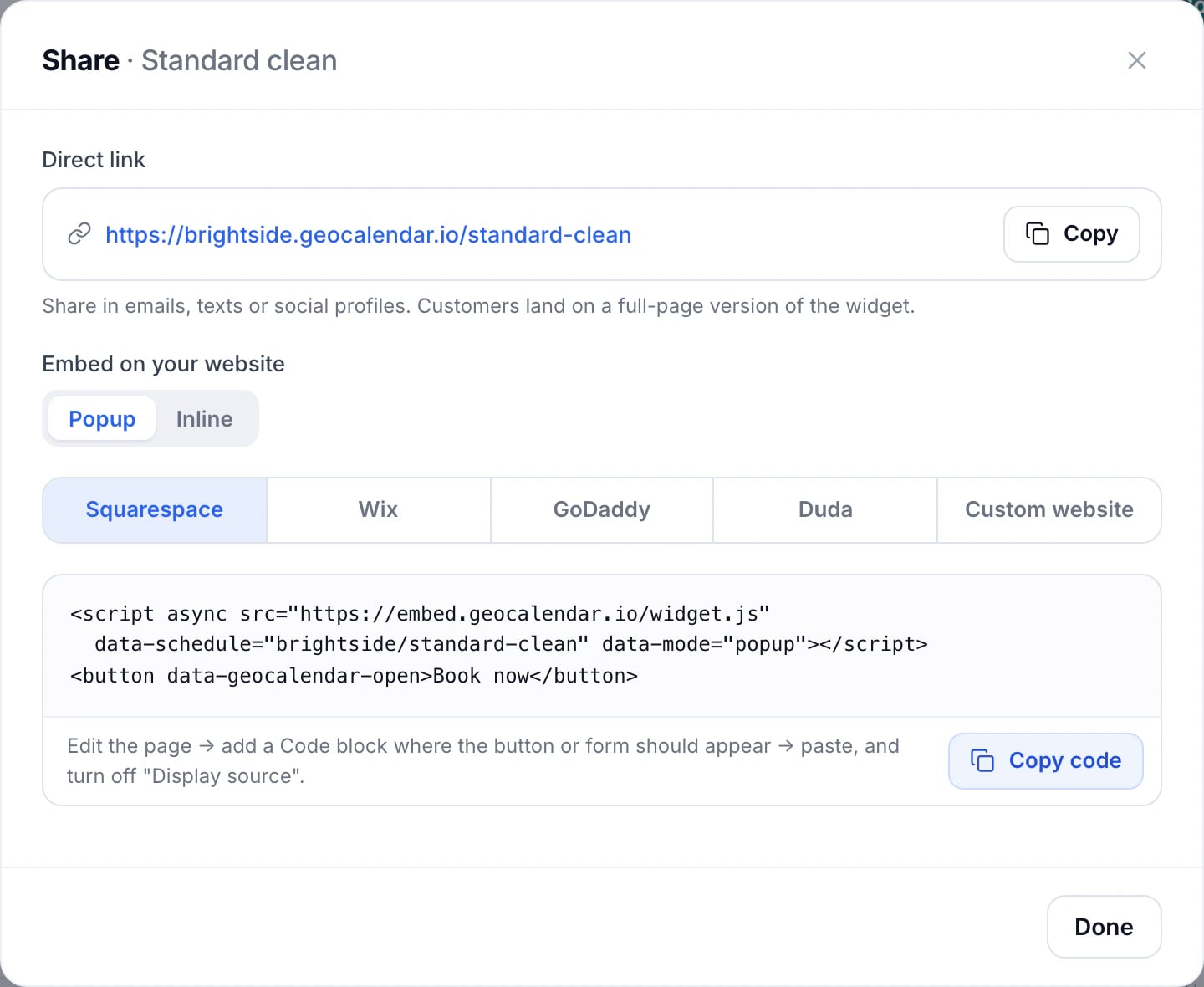
The link opens a full booking page on your workspace’s own address, like brightside.geocalendar.io/standard-clean. Put it in emails and texts, your email signature, your Google Business profile or a QR code on the van.
Share is available once the event type is saved.
Copy it from the list
On Event types, the More actions menu on each card has Copy link as well.
All your event types on one page
Your workspace’s address on its own, like brightside.geocalendar.io, lists every event type that isn’t hidden, so customers can choose. To keep one off that page, see Private links for office bookings.
On your website
The same dialog has the code to put booking on your site, as a button or in the page. See Embed booking on your website.
Updated November 11, 2026
Learn moreThe booking widget