 GeoCalendar
Open Contacts. Anyone who books a visit is added, matched by their email, and so is every record you import from a CRM.
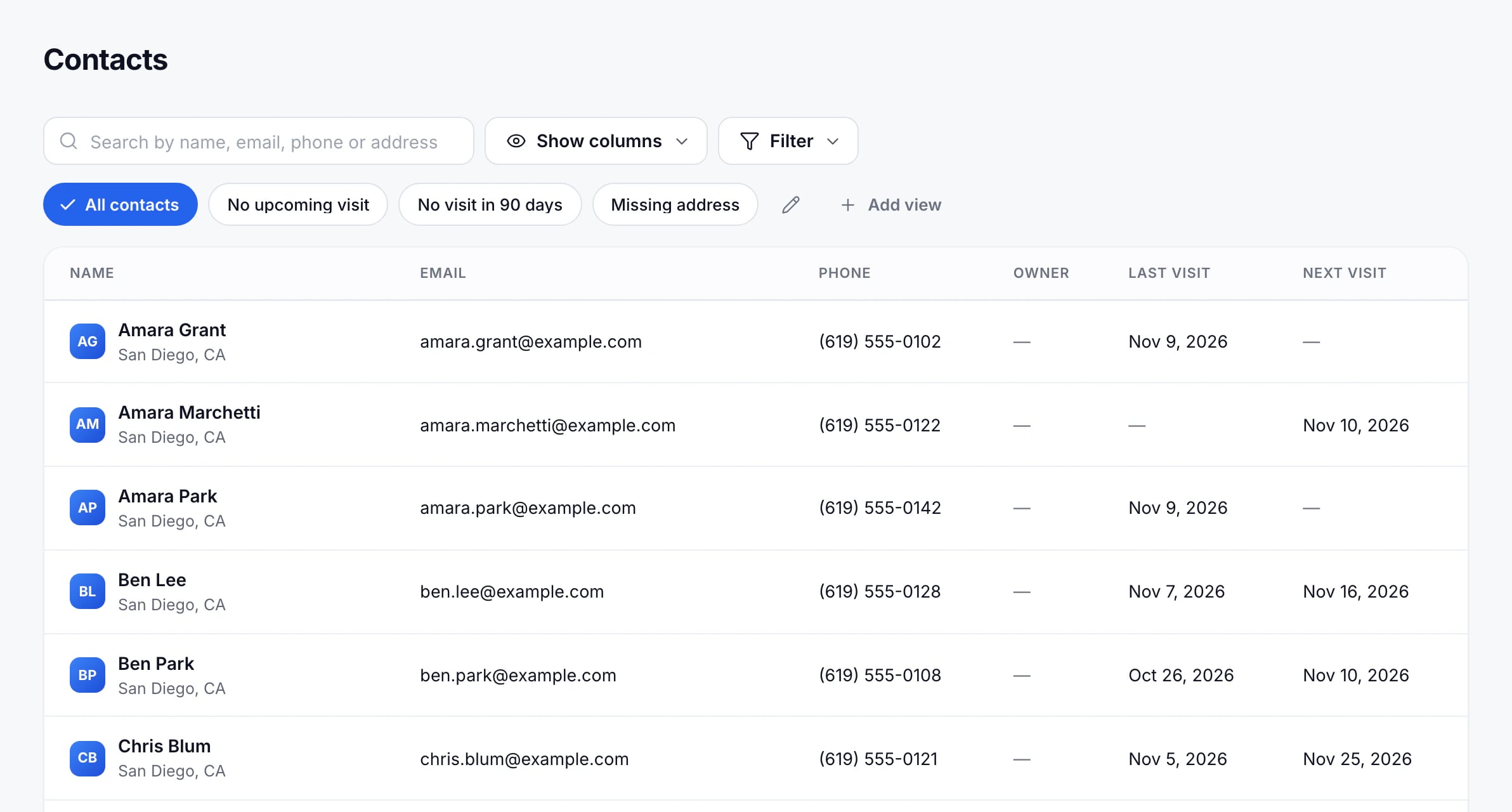
Find people
- Search by name, email, phone or address.
- Filter by owner, source, last visit, next visit or address.
- Show columns to choose among email, phone, owner, last and next visit, address and source.
Views
A view keeps a set of filters and columns under a name, like “Not visited this year”. Set them up, then press Save as view. Views sit above the table, beside All contacts.
Where contacts come from
Contacts are read from the bookings and from your CRM, so they’re changed at their source: an imported contact is edited in the CRM, and the change arrives with the next sync. See How CRM sync works.
Updated November 12, 2026