 GeoCalendar
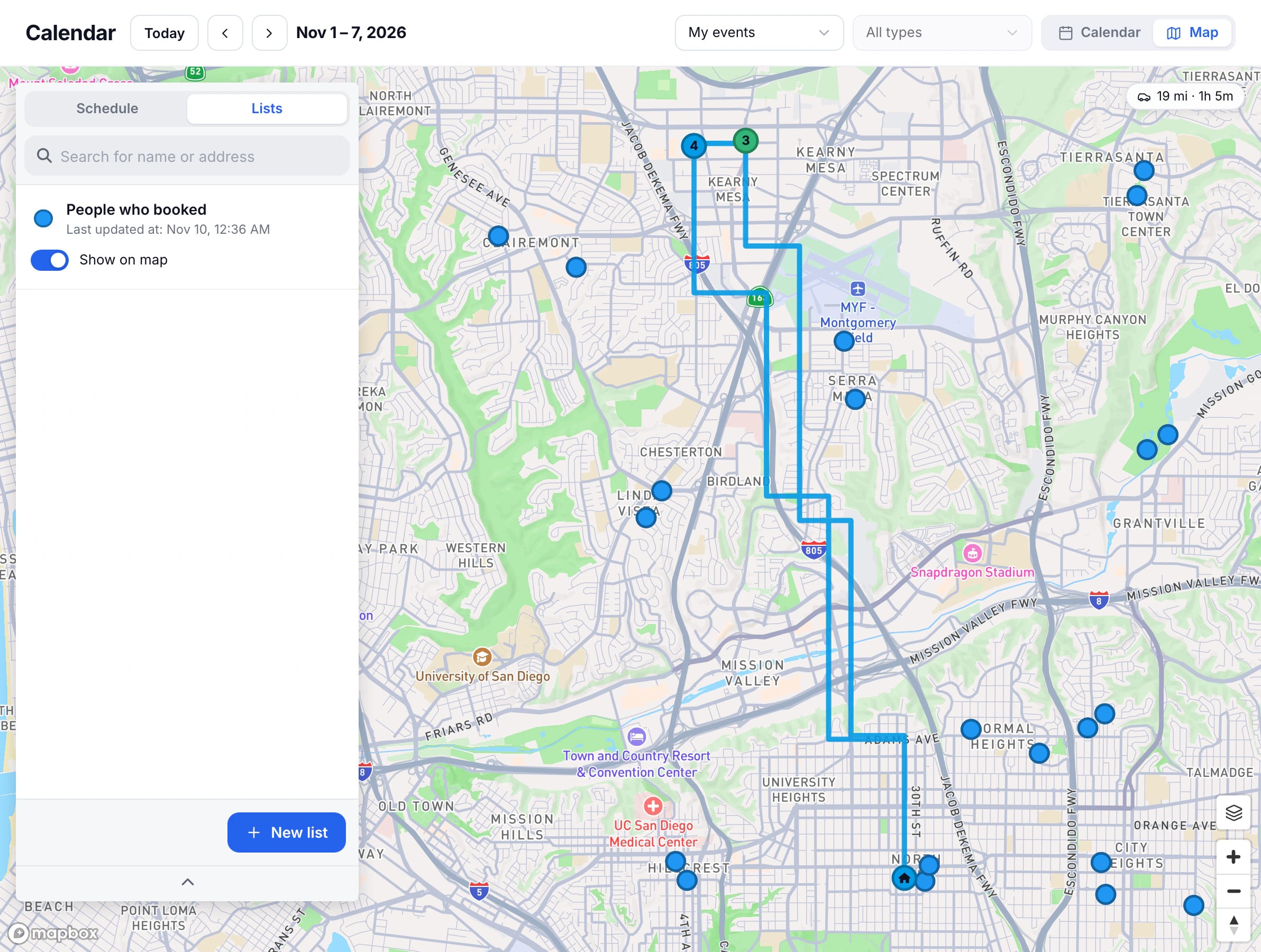
On Calendar, press Map, then switch the column to Lists. Each list puts a set of contacts on the map with its own marker. A CRM import makes a list for each object it imports.
Use a list
- Turn Show on map on or off for each list.
- Press a list to see its contacts, and press one to see their details on the map.
- Add Filters to a list, such as an owner or a last visit, to show only those contacts.
- Press Edit list to change its name, icon, colour, marker size, and the fields shown on a marker.
Make a list
Press New list, give it a name, choose its Data source, then its icon and colour, and press Save.
Updated November 12, 2026
Learn moreThe map