 GeoCalendar
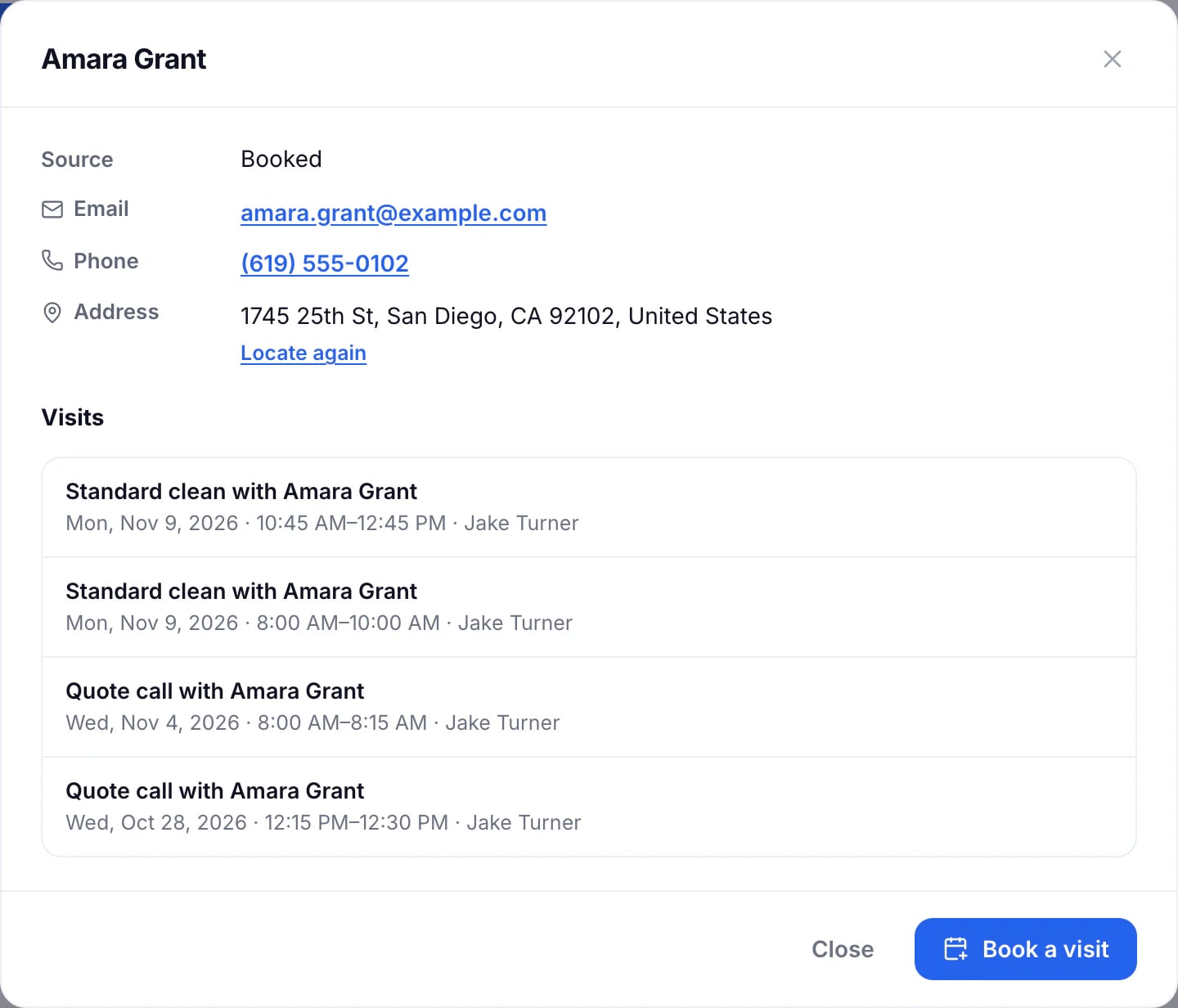
On Contacts, press a name. The contact opens with their email, phone, address and owner, where they came from, and their visits, upcoming and past.
Book them a visit
Press Book a visit. A new event opens with their name and address filled in, and Best times for that address ready to choose from.
When an address isn’t on the map
The contact says when its address couldn’t be found, or was found only by its postcode or town. Correct it at its source, then press Locate again.
Updated November 12, 2026