 GeoCalendar
An event type’s Hosts section says who can take its visits. To begin with it’s you. Whoever takes a booking gets it on their calendar and drives to it; the booking page offers a time if any host can do it.
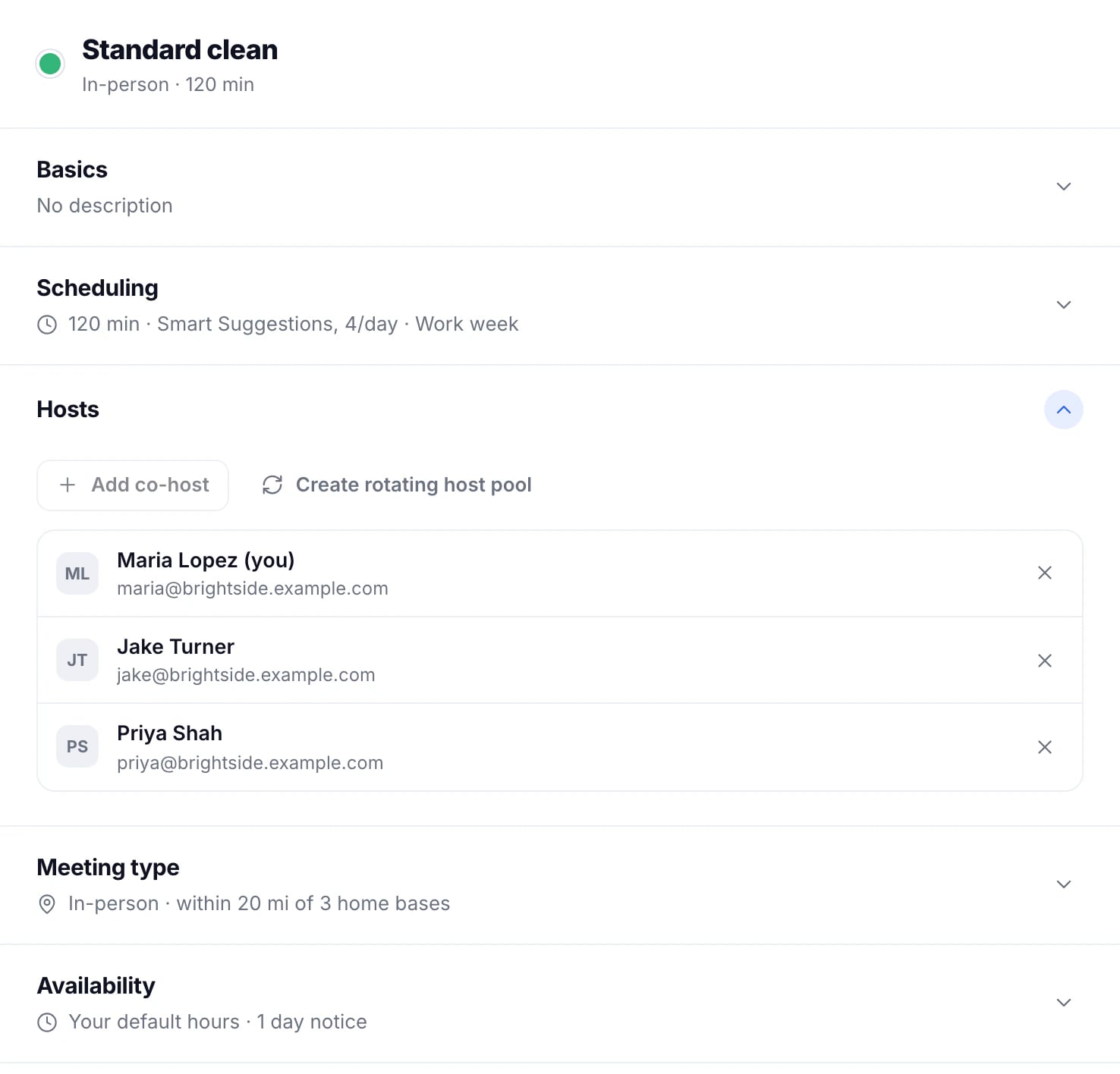
Co-hosts: in the order you list them
Press Add co-host and choose a teammate. Each booking goes to the first host in the list who is free at that time, so the person at the top gets the most and the others take what they can’t.
A rotating pool: shared out in turn
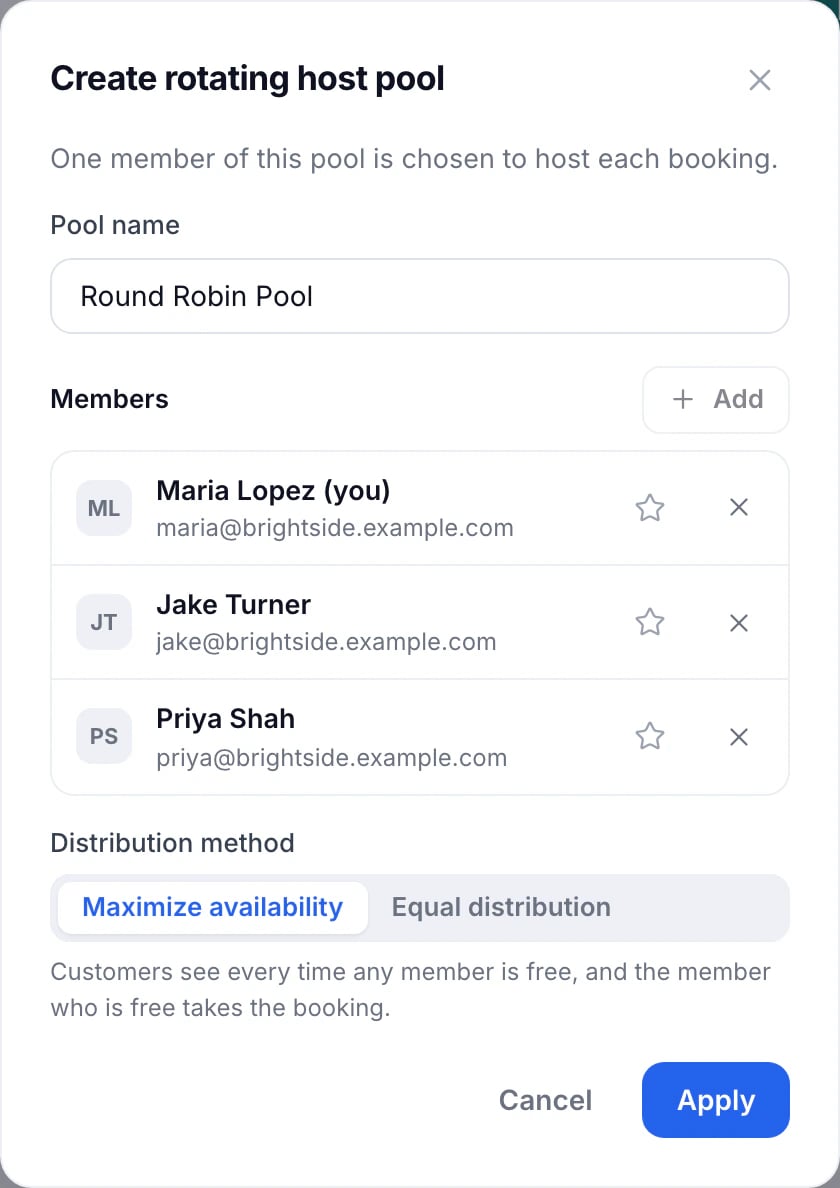
- Press Create rotating host pool.
- Name it, and add at least two Members.
- Choose the Distribution method: Maximize availability gives each booking to the free member with the most open time that week. Equal distribution gives it to the free member with the fewest bookings that month.
- Optionally press the star on a member to prefer them when two are otherwise even.
- Press Apply.
- Under Rescheduling, choose what happens when a customer moves a booking: hand it to whoever is next, or keep the original host. Then press Save changes.
With co-hosts and a pool both, the pool takes a booking only when none of the co-hosts is free.
Co-hosts and pools come with the Team plan, and with your trial. On Basic an event type has one host.
Updated November 11, 2026