 GeoCalendar
A day on the map
On Calendar, press Map. Choose a day in the strip at the top. The map shows that day’s visits, numbered in order, with the route between them from and back to the home base, and the column on the left shows the same day as a schedule.
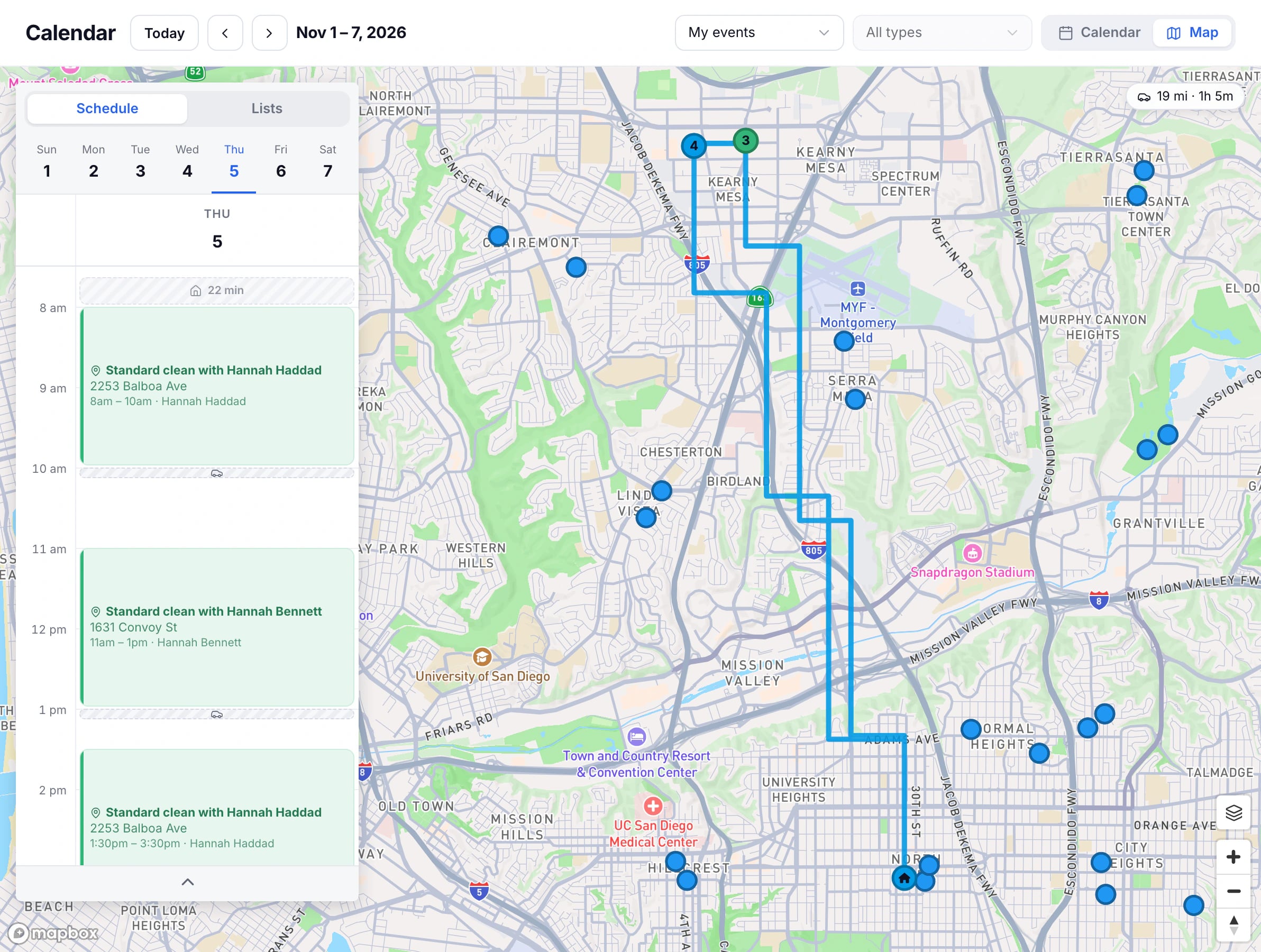
Admins can choose whose day it is, like the calendar. With All users the map shows everyone’s visits at once.
Your lists on the map
Switch the column to Lists to put contacts on the map: those imported from your CRM, or the people who booked. Each list has its own marker. Use the switch on a list to show or hide it, and press a list to open it, filter it, or change its marker.
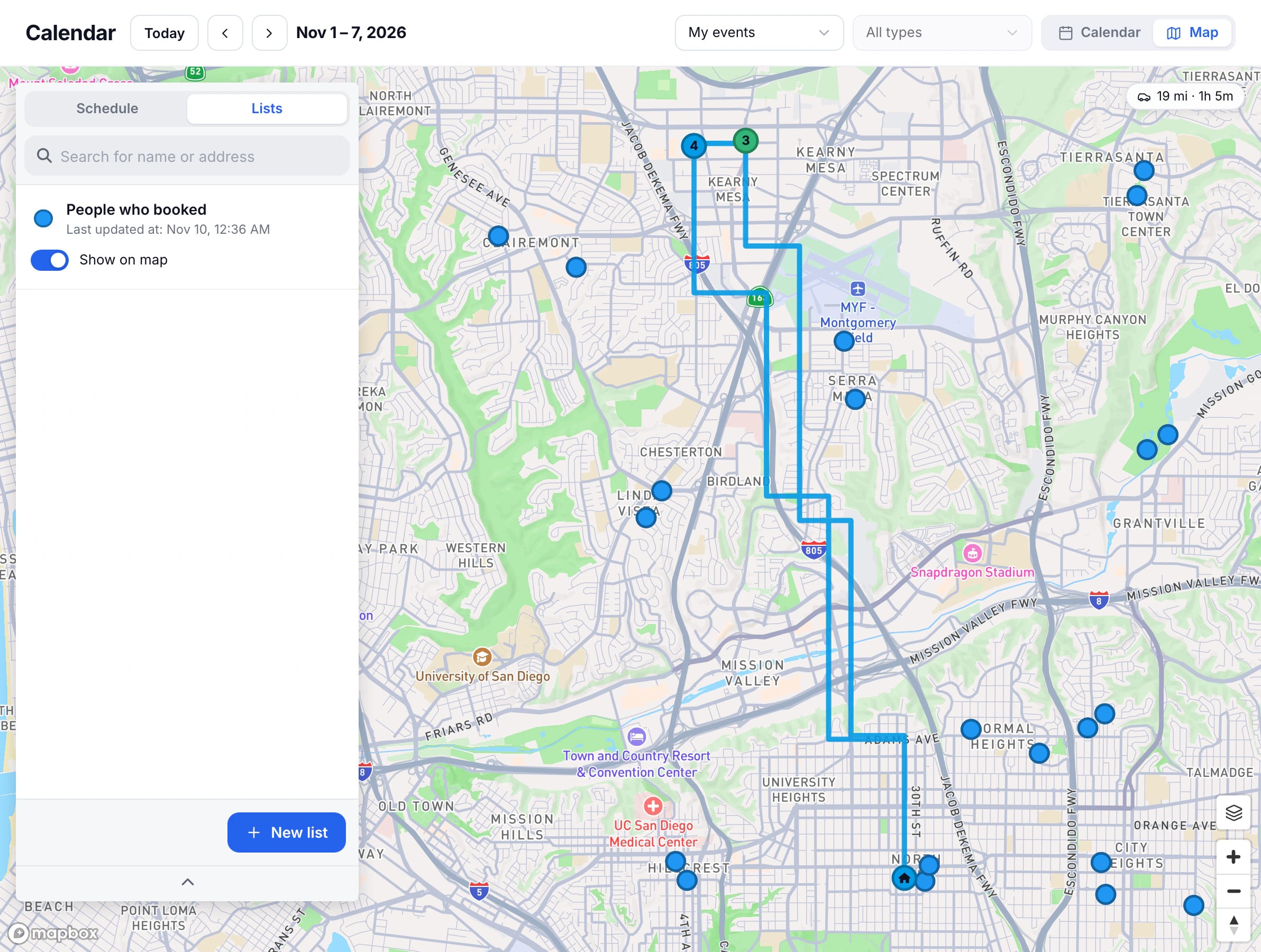
See Contacts on the map.
Updated November 11, 2026
Learn moreThe map