 GeoCalendar
Turn it on
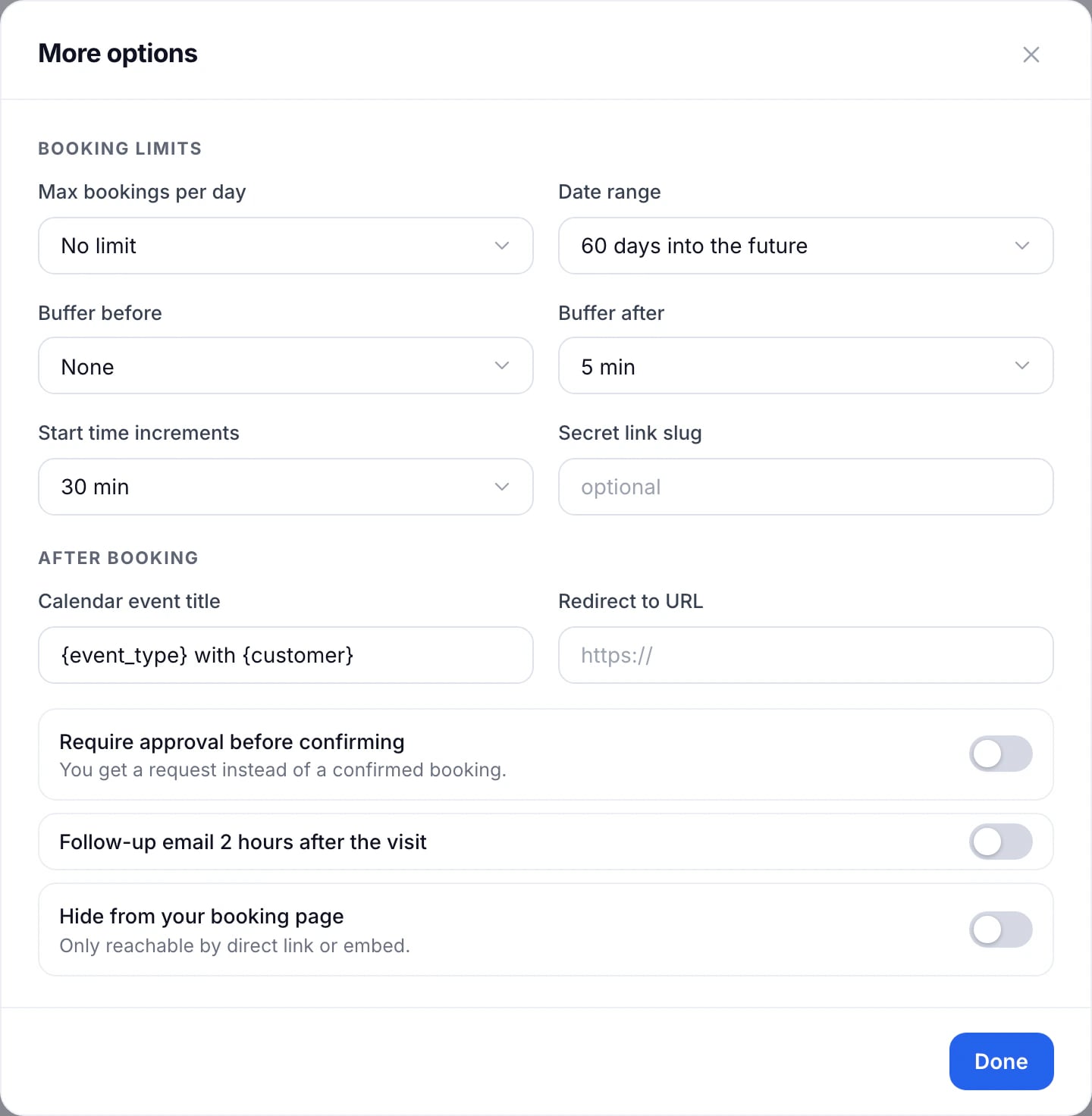
- Open the event type and press More options.
- Turn on Require approval before confirming.
- Press Done, then Save changes.
What happens when someone books
- The booking page’s button reads Send request, and the customer gets a “Request received” email.
- You get an email to approve it, even with booking emails turned off.
- The request holds its time, so nobody else can book it while it waits.
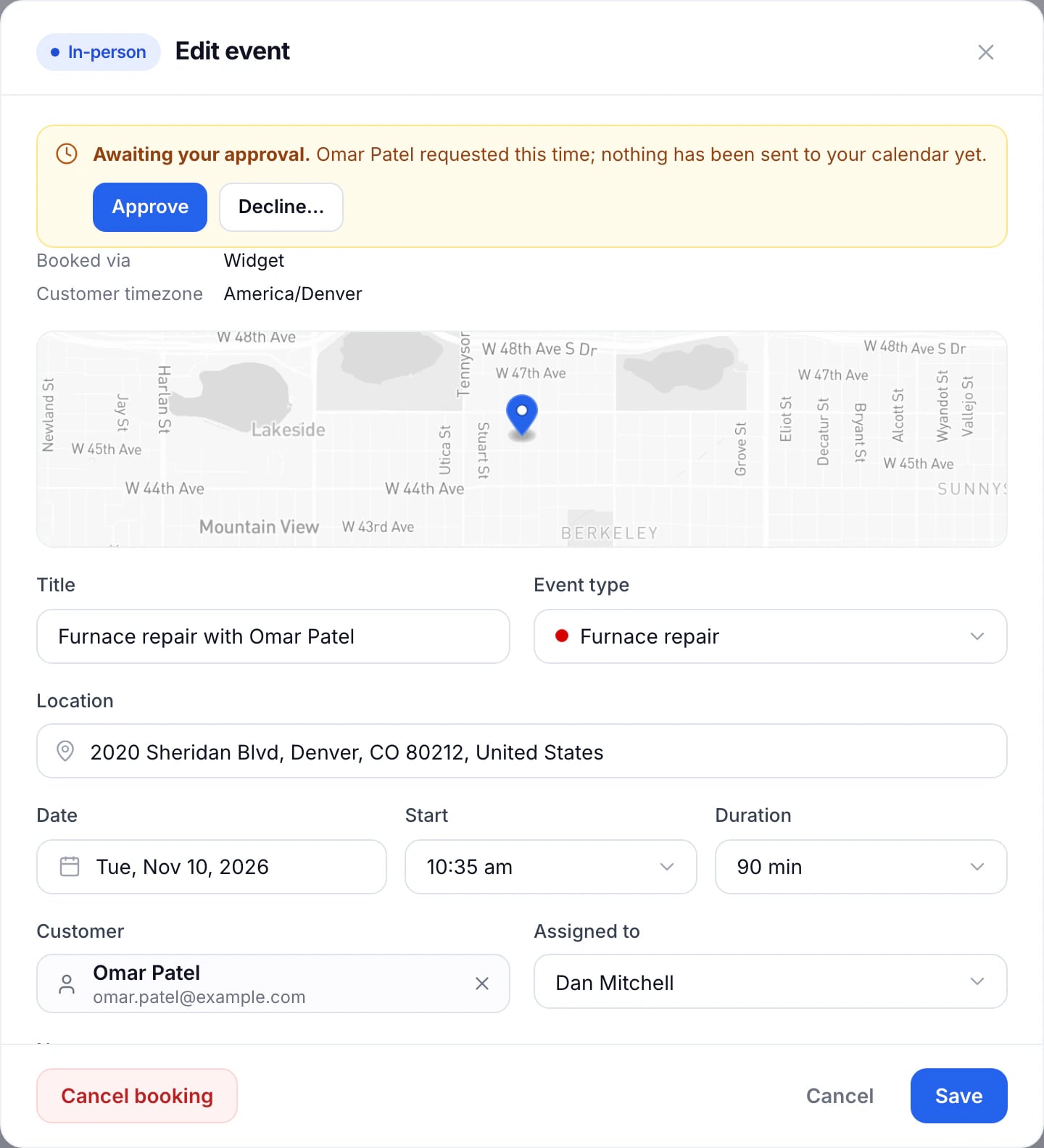
- It’s on your calendar marked Pending, with a dashed outline, until you answer.
Approve or decline
Open the request on the calendar and press Approve or Decline. Approving sends the customer the usual confirmation, and the visit goes on your calendar. Declining tells them it couldn’t be confirmed and frees the time.
Updated November 11, 2026