 GeoCalendar
Is it syncing?
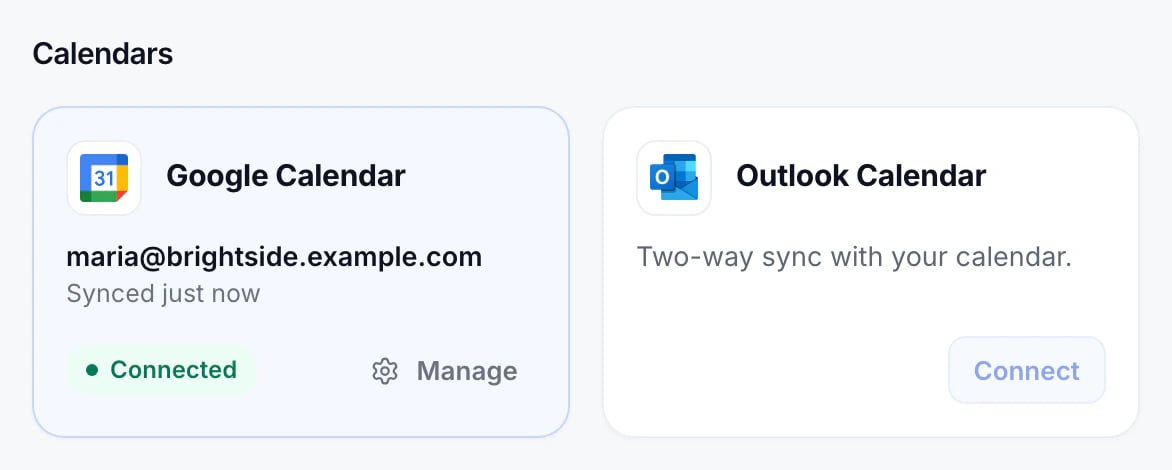
On Integrations, a connected calendar says Connected, with when it last synced.
When it stops
A calendar stops syncing when its account stops letting GeoCalendar in: the password changed, access was removed in Google or Microsoft, or an administrator turned it off. A bar then appears at the top of every page, and the calendar’s card offers Reconnect.
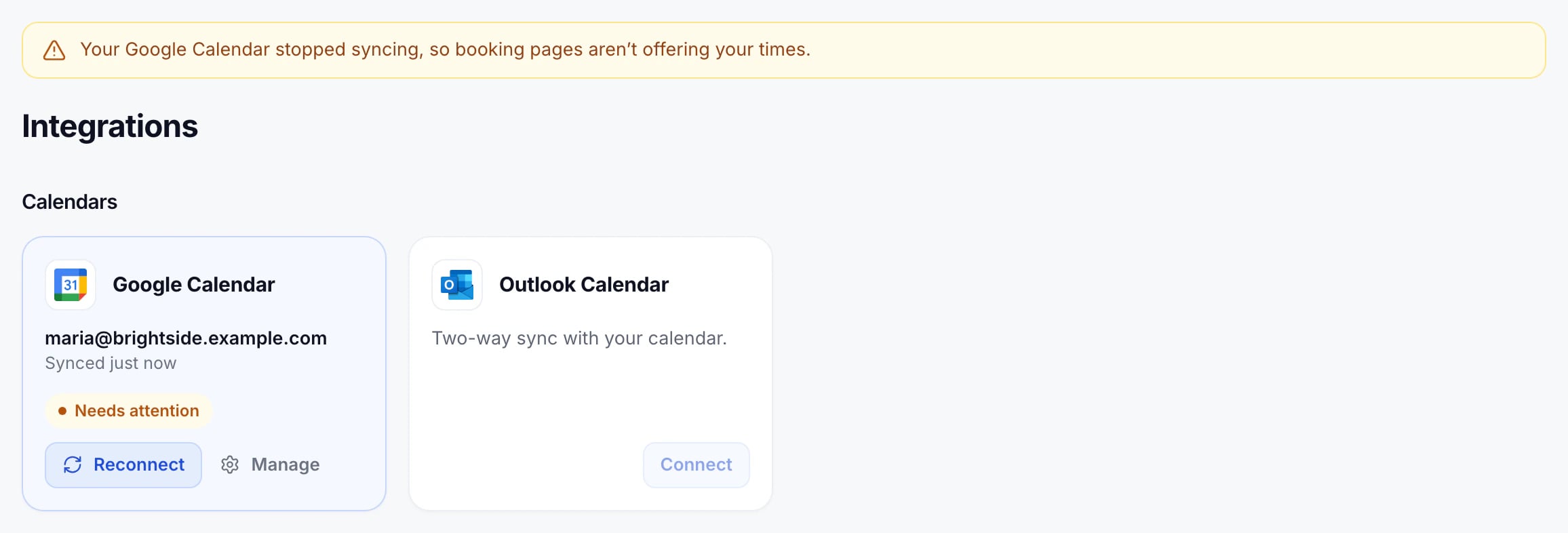
While a calendar isn’t syncing, booking pages don’t offer that person’s times: GeoCalendar can’t see what’s on their calendar, so it won’t risk a double booking.
Press Reconnect and sign in to the same account again. Times come back on the booking pages as soon as it has synced.
Change or remove the calendar
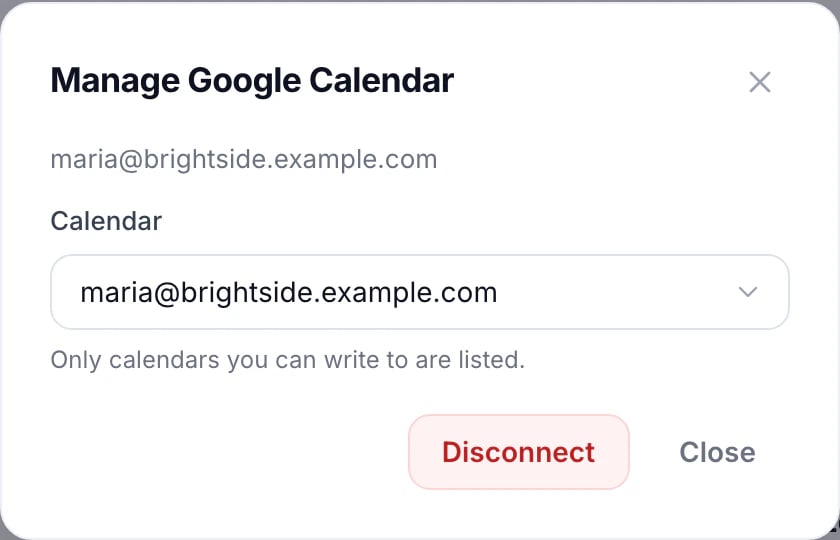
Press Manage to choose another of the account’s calendars, or to Disconnect it.
Updated November 11, 2026