 GeoCalendar
Set them
- Open the event type and press More options.
- Choose a Buffer before and a Buffer after: none, 5, 10 or 15 minutes. A new event type keeps 5 minutes after.
- Press Done, then Save changes.
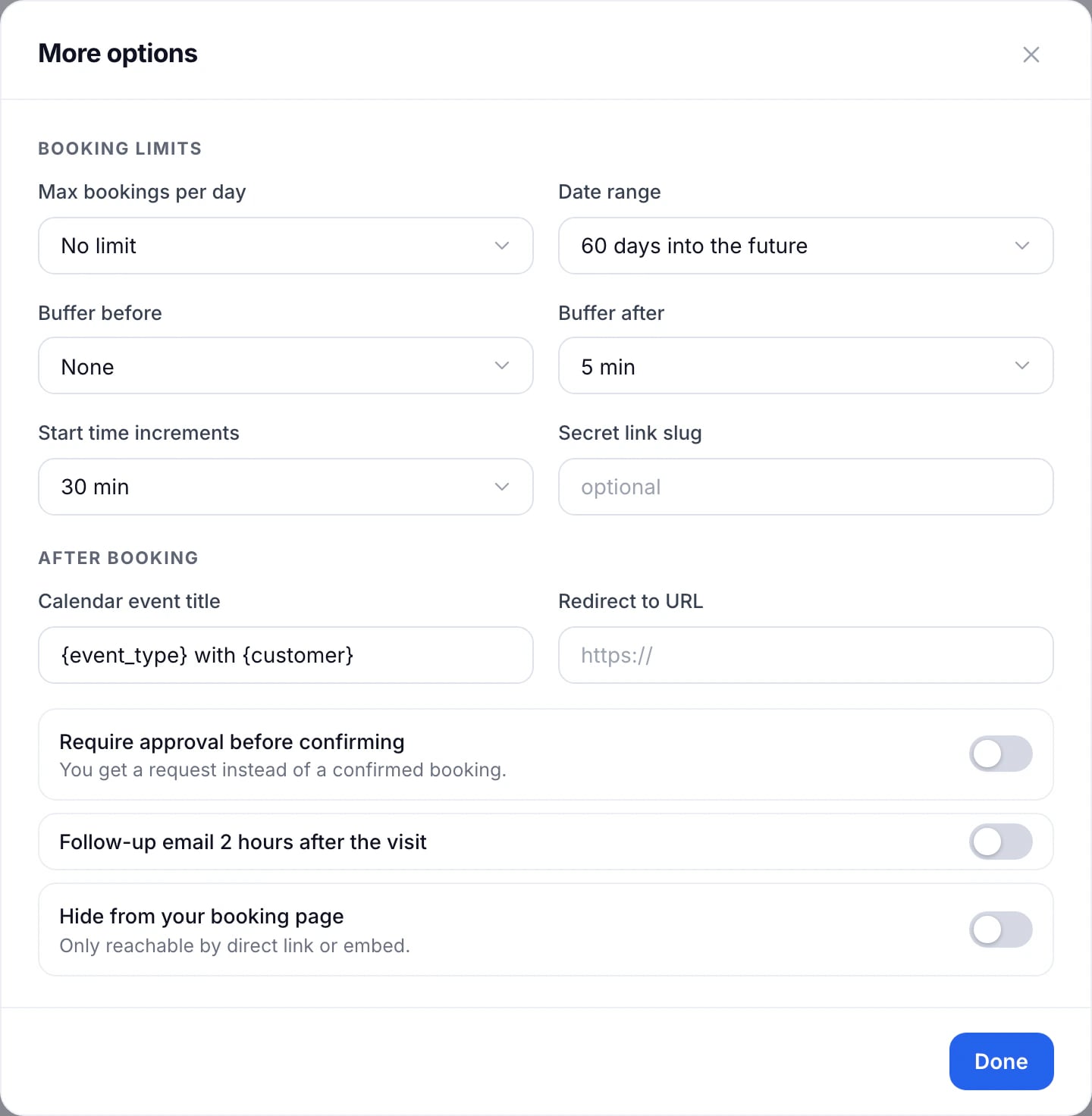
The booking page keeps that time free around every visit of the event type, in person or not.
Buffers aren’t for driving
You don’t need a buffer for the drive. Smart Suggestions already leaves out the times a host can’t reach from the visit before, and suggests the ones with the least driving. A buffer is for the fixed minutes a visit needs on site, whatever the distance.
Updated November 10, 2026