 GeoCalendar
A home base belongs to a person, not to an event type: it’s where that person’s working day starts and ends. Your own is on Availability.
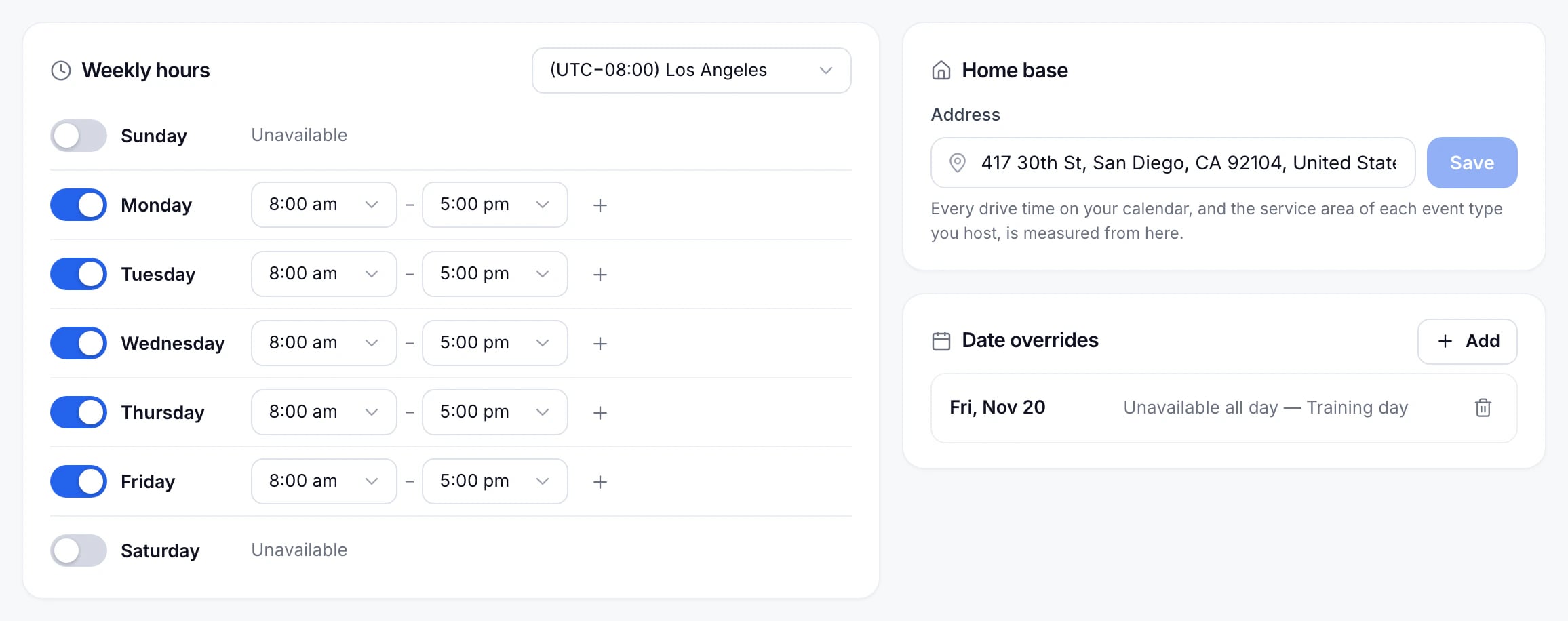
Set it from an event type
An in-person event type lists the home base of every host under Meeting type, and a host without one is flagged. Type an address and choose it from the list to set it. Changing a home base there changes it for that person everywhere, on every event type they host.
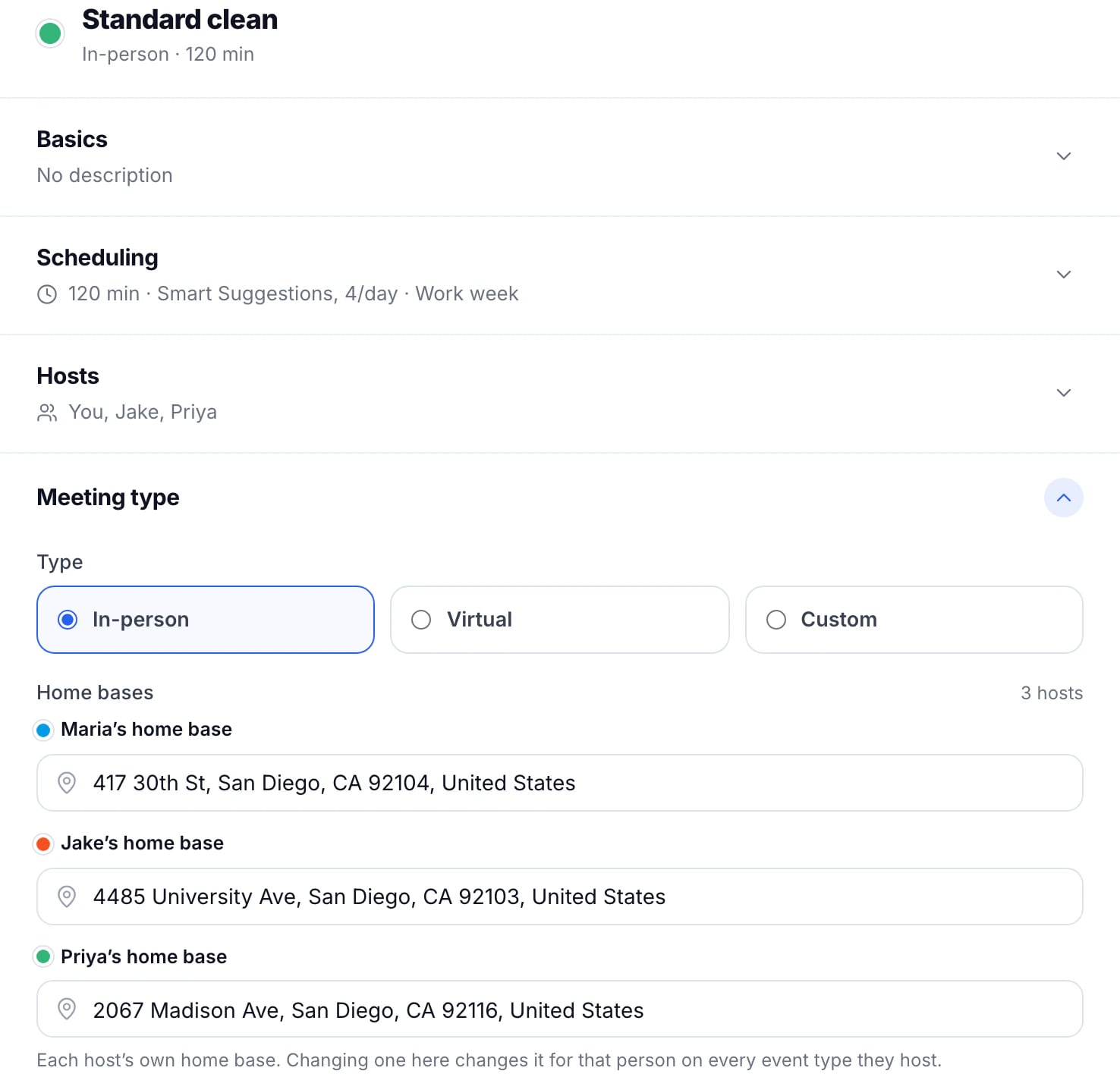
Choose the address from the list, rather than only typing it: GeoCalendar needs the place on the map to measure the drive from it.
A teammate’s home base
Admins can set anyone’s on Availability by choosing the person first. See Set a teammate’s hours.
Updated November 10, 2026