 GeoCalendar
Some event types are for you, not the public: a slot your office books for callers, a repeat visit you only offer existing customers. Two switches in More options handle them.
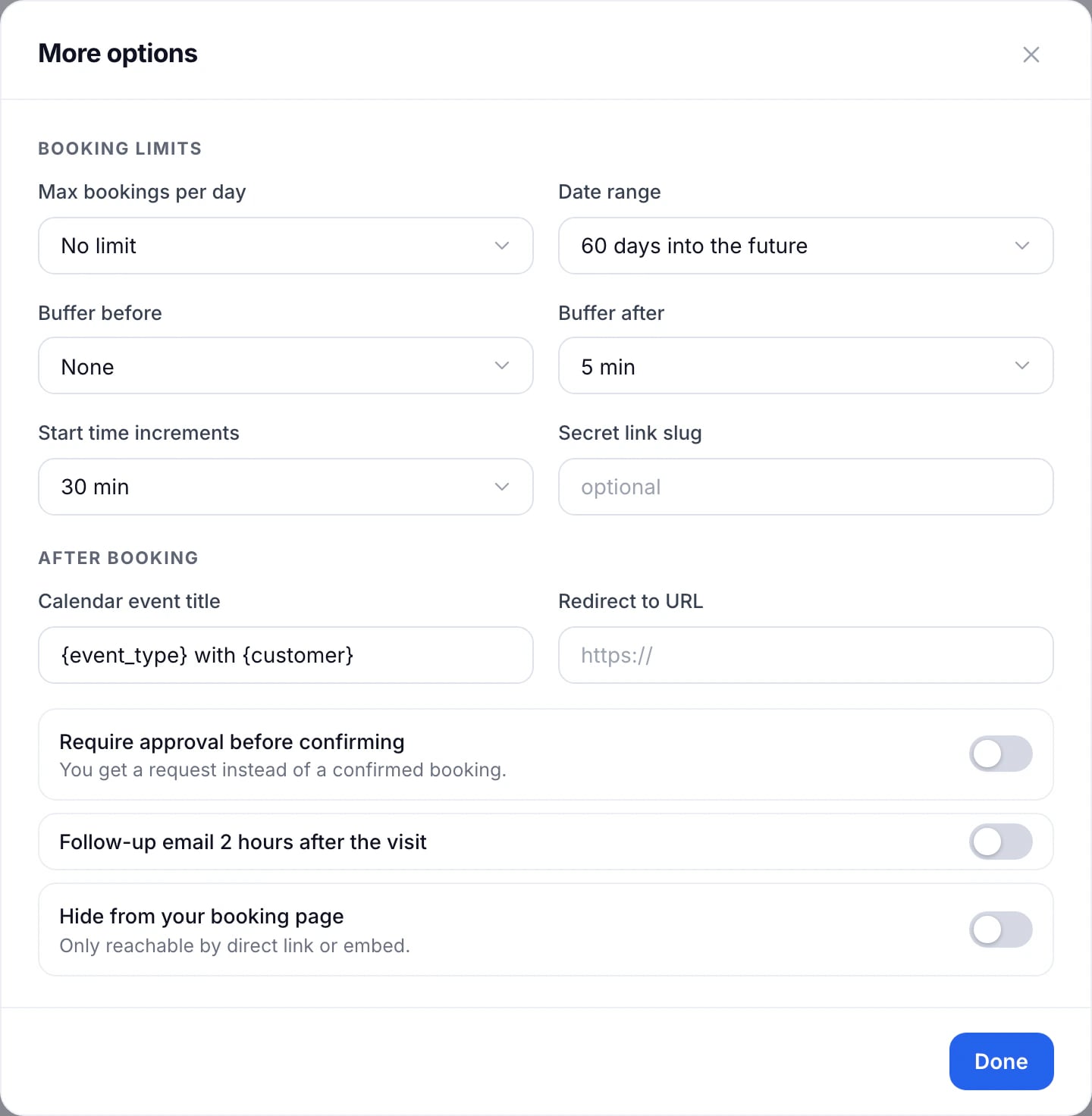
Hide it from your booking page
Turn on Hide from your booking page. The event type no longer appears on the page that lists all your event types, but its own link and anything embedded on your website still work.
Give it a secret link
Type a word into Secret link slug and save. The event type then works only through the link that carries that word, which Share gives you, and it isn’t listed anywhere. Anyone with the old link sees a page that doesn’t exist.
To book a customer in yourself without the booking page at all, see Add a visit by hand.
Updated November 11, 2026