 GeoCalendar
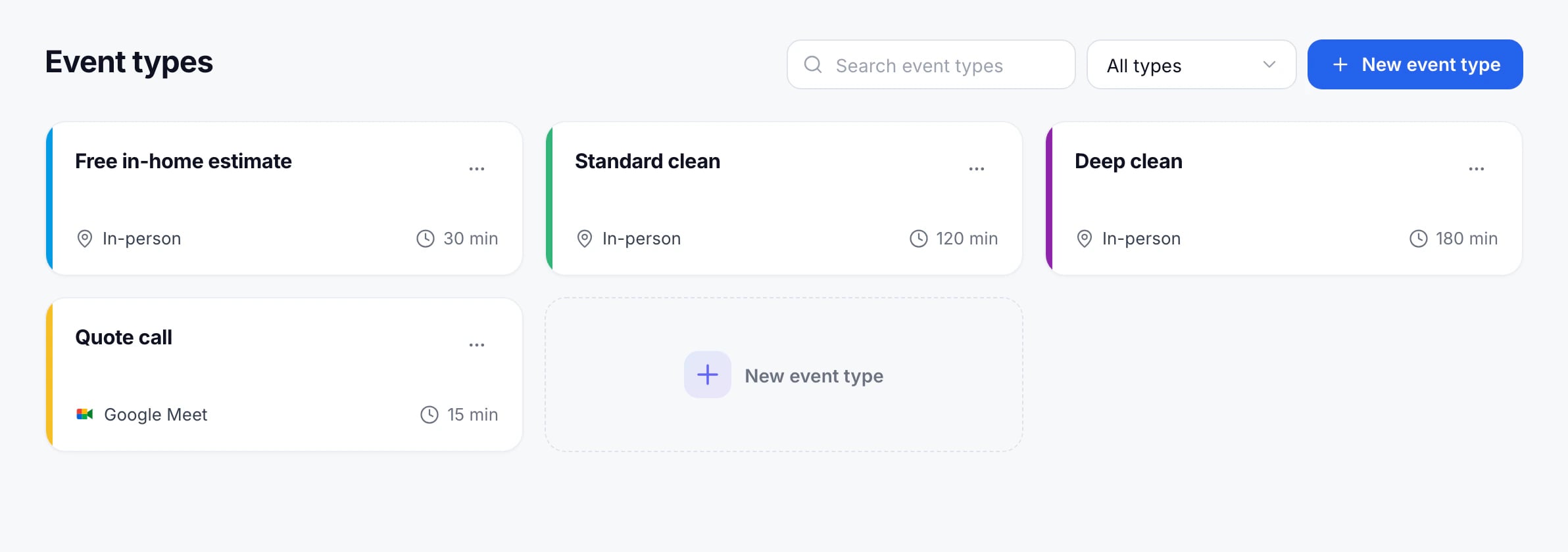
Make one event type for each kind of visit you do: a 30-minute estimate, a 2-hour clean, a 15-minute call. Each one gets its own booking link.
Create it
- Open Event types and press New event type.
- Type its name at the top.
- Under Scheduling, choose its Duration.
- Under Meeting type, choose In-person for visits at the customer’s address, or Virtual for a video or phone call.
- Press Create event type.
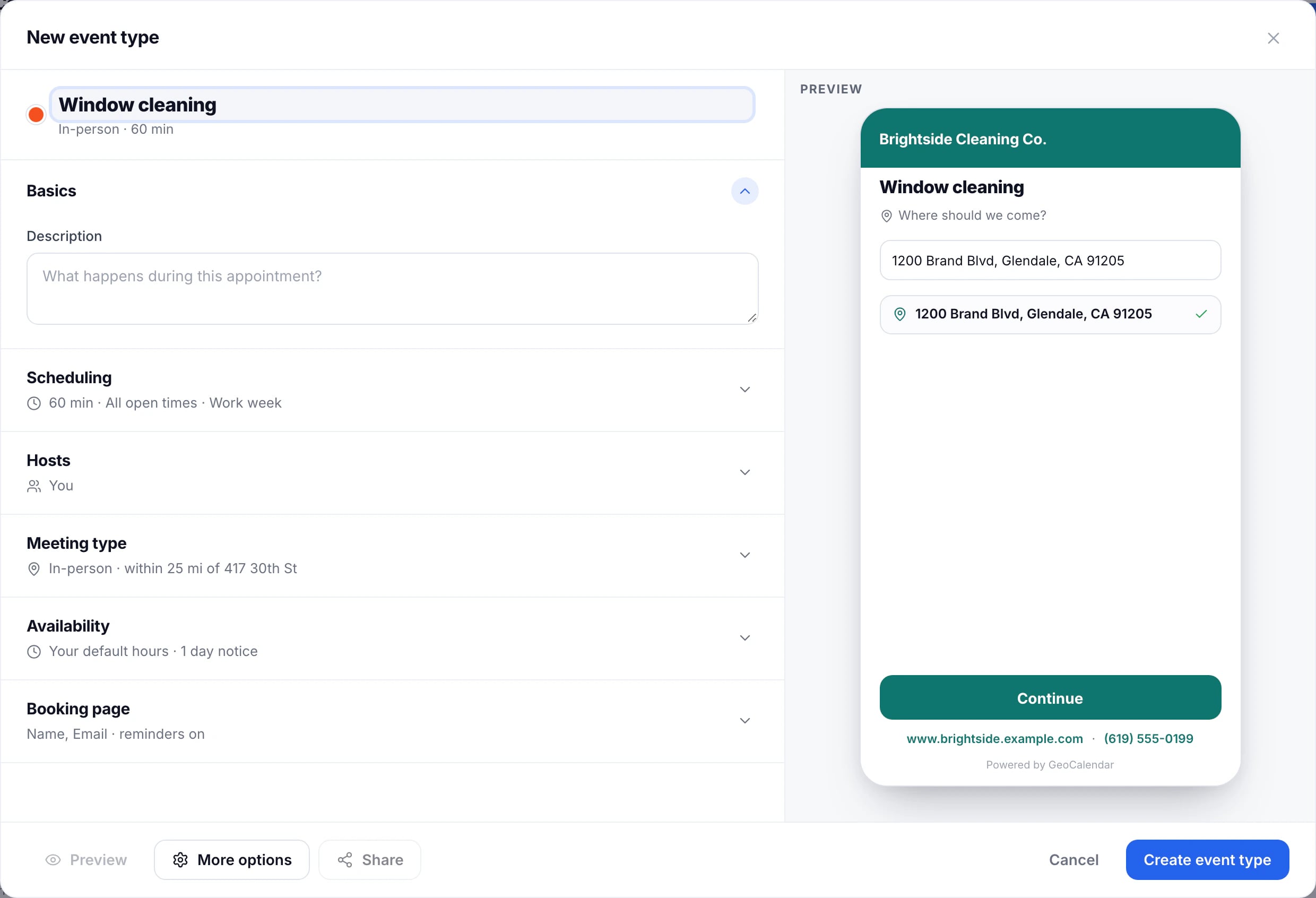
The preview on the right shows the booking page as customers will see it, and changes as you edit.
What to look at next
- Turn on Smart Suggestions, so customers see the times that fit around your other visits.
- Limit the service area, so nobody books an address you won’t drive to.
- Add questions to the booking form.
Only admins create event types. Members see them read-only.
Updated November 11, 2026
Learn moreEvent types