 GeoCalendar
Questions customers answer
Every booking asks for a name and an email. Under Booking page in the editor, press Add field for each question of your own: a gate code, the number of rooms, how they heard of you.
- Give the question a Label.
- Choose its Type: Text, Long text, Number, Email, Phone, Date, Picklist or Checkbox. A picklist takes its Options, one per line.
- Make it Required or leave it optional.
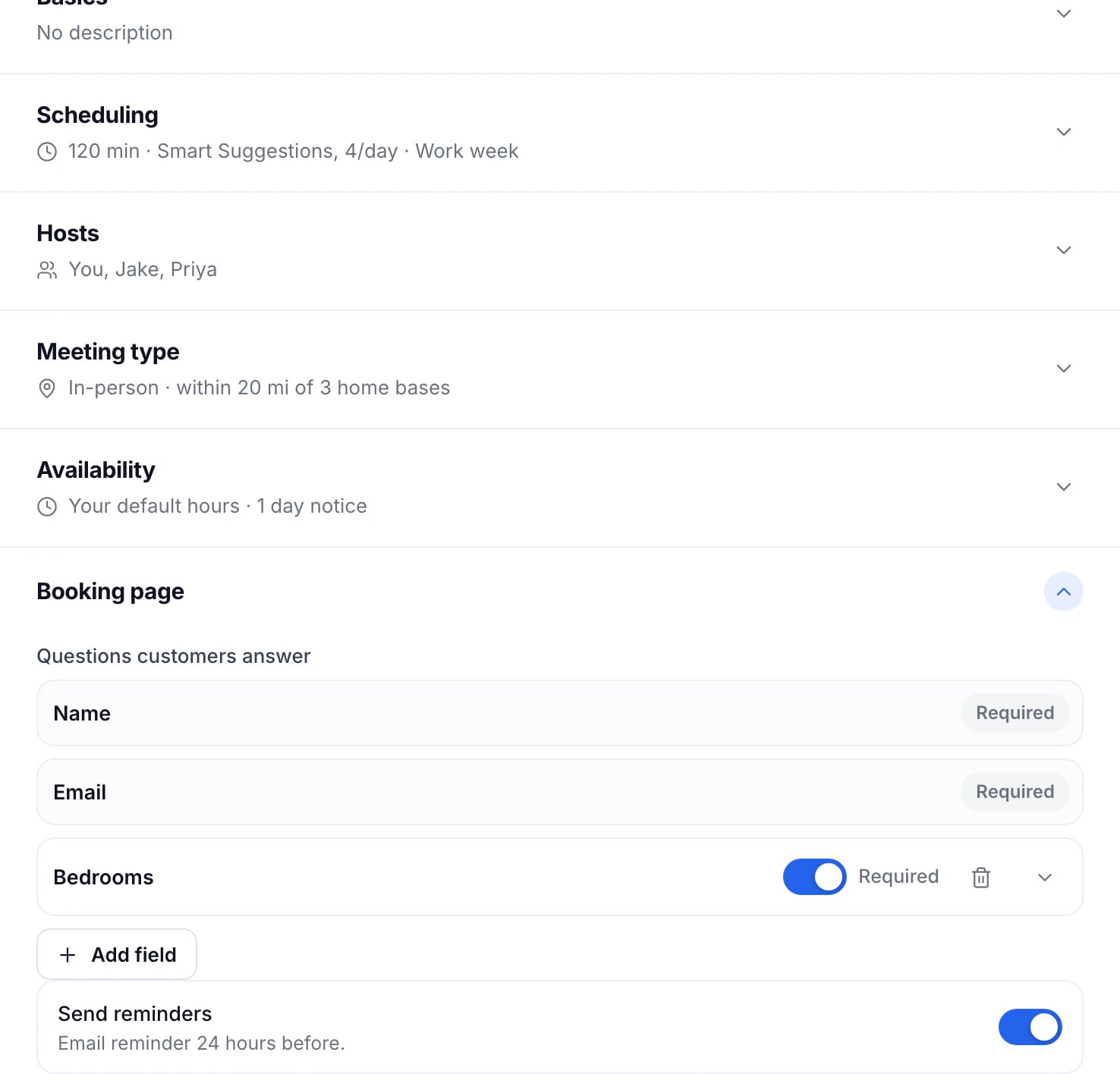
The answers are on the booking in the calendar and in the email you get when someone books.
Reminders
With Send reminders on, customers get an email 24 hours before the visit with the time, the place and a way to change it. It’s on for new event types.
After they book
- Confirmation message, under Booking page: what the page says once they’re booked.
- Redirect to URL, in More options: a page of yours to offer them next, like a thank-you page.
- Calendar event title, in More options: how the visit is named on your calendar. It starts as “{event_type} with {customer}”, which fills in the event type and the customer’s name.
- A thank-you email after the visit, with Follow-up email in More options.
Updated November 11, 2026
Learn moreThe booking widget