 GeoCalendar
On Event types, press More actions on the event type’s card.
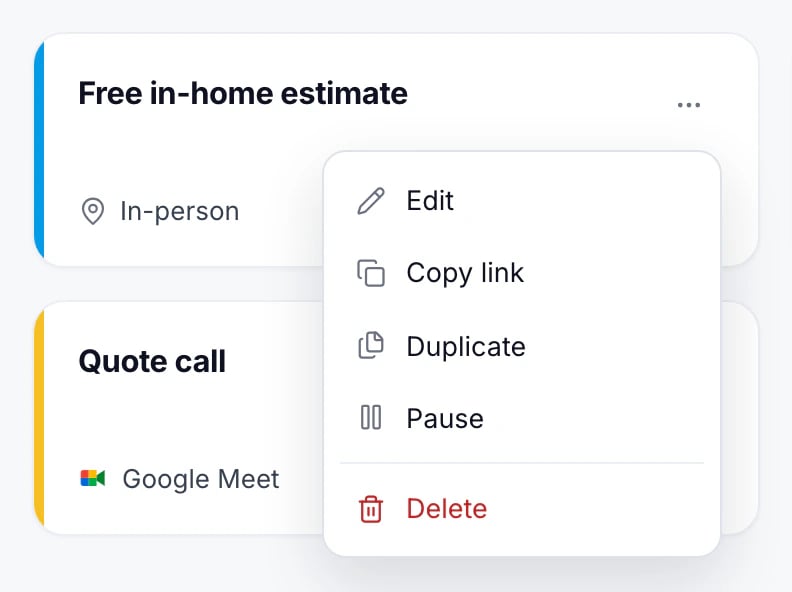
Pause
Pause stops new bookings. Its page and any embed say it isn’t taking bookings right now, and it leaves your booking page. Bookings already made stay. Resume opens it again.
Duplicate
Duplicate makes a copy with every setting, hosts and questions included, under a new name. Change what differs and save.
Delete
Delete removes the event type. Its link stops working, including anywhere it’s embedded. Visits already booked stay on the calendar.
A deleted event type can’t be brought back. To stop bookings for now, pause it instead.
Updated November 11, 2026